For you
Organize Instagram, X, TikTok and YouTube links in one place
To organize links saved across social apps, group them by what you want to do with them. Put Instagram posts, X threads, TikTok videos, YouTube videos and relevant websites into one linqlo collection. This is a way to collect selected URLs yourself; it does not synchronize the saved lists inside those apps.
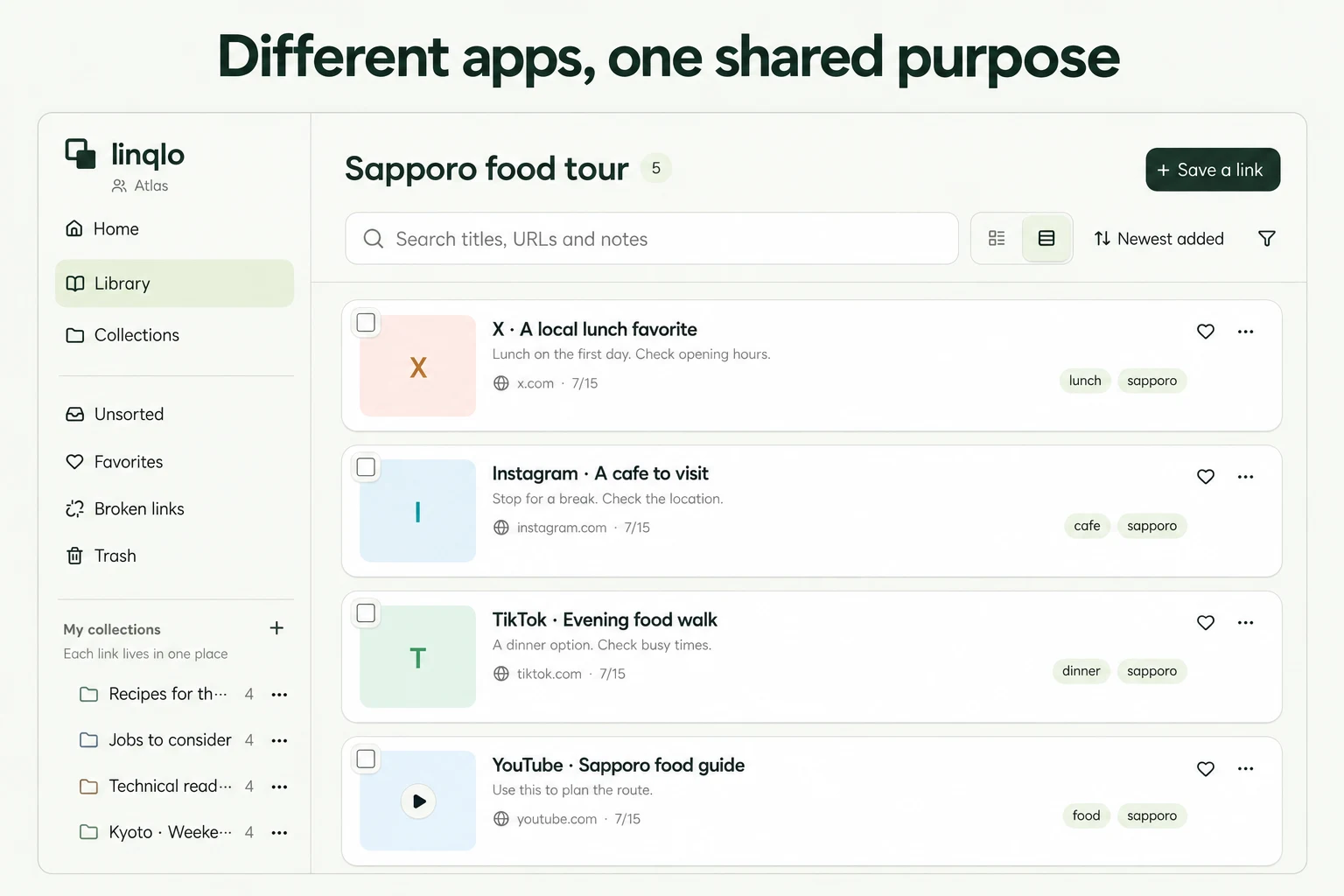
Give different links a job in the same collection
Consider a hypothetical “Sapporo food trip” collection. You might find a café’s interior on Instagram, a dish on TikTok, a visitor’s experience on X and opening information on the café’s website.
Separate collections called “Instagram” and “TikTok” would make you switch places whenever you considered that café. Keeping the links together lets you distinguish what each one contributes.
| Link type | Why keep it? | What to check before visiting |
|---|---|---|
| Photo post | The seating looks appealing | Whether those seats are still available |
| Food video | There is a dish you want to try | Whether it is on the current menu |
| Visitor’s post | It mentions the wait | When the visit happened |
| Official website | It explains how to visit | Current hours, reservations and notices |
There is no need to collect one item from every platform. Choose links that answer different parts of your question. A photo provides an impression; the business’s current information helps you plan.
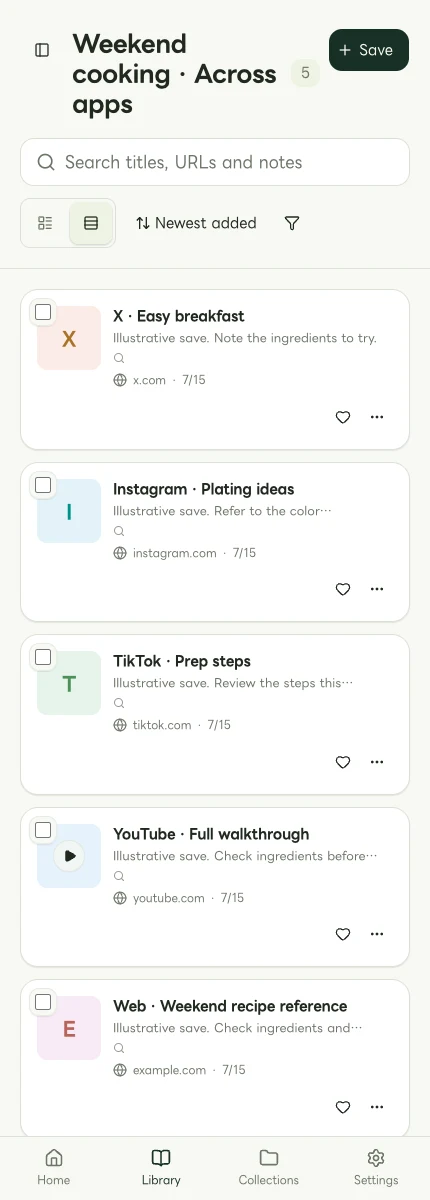
Mobile Web display using sample data, not a native-app screen. The cover is an explanatory image based on actual interface captures.
Add selected URLs to one destination
Check the account and workspace you are using in linqlo, then create a purpose-based collection. Open the specific social post and copy its URL using the service’s available sharing controls. Check that it points to the post you want, rather than a profile or search page.
Save the URL through “Add bookmark,” then edit the collection, title, memo and tags. Use “Detailed entry” if you want to complete the fields before saving. Pressing a social app’s own save button does not perform this linqlo step.
For platform-specific entry points, see Instagram posts and reels, X posts, TikTok videos and YouTube videos. If sharing does not work, copy the URL again from the original app and paste it into linqlo.
Leave clues that work without a perfect preview
A social link’s preview may not make its content recognizable. Give it a useful title such as “Café name | Interior” or “Café name | Official visiting information.” Add the specific reason you expect to return.
A hypothetical memo:
- Why I saved it: look at the window seating
- Source type: a visitor’s impression, not an official notice
- Where to look: the interior section near the end
- Next check: opening days and reservations on the official website
- Tags: Café / Candidate
Choose tags you would actually use to narrow a list, such as “Rainy day” or “Learning.” If everything is tagged “Favorite,” the tag does little to help you choose. Several posts about the same place are useful when their notes explain different things.
Check saving and source access separately
After adding the first few links, find them in linqlo and open the original posts. If an item is missing, check the workspace, collection and any active search or tag filters. Before adding it again, look for an existing copy of the same URL.
A saved URL may still require login at the original service. It may stop opening if the author removes the post or changes its visibility. Keeping the link does not guarantee continued access to the video or post. Use restricted posts only within the access the source service allows.
Use the collection to make one decision
Once the links are together, choose what to investigate next: one café, one lesson or one activity. If official information is missing, add that source rather than more posts repeating the same impression.
When you are ready to consider dates and transport, continue with organizing travel links. The purpose of this collection is to let you return to useful information without remembering which app it came from.
Put the guide into practice.
Create a free account to get started. No credit card needed.
Bring your links together for free