For you
Organize property listing links for comparisons and viewings
To compare property listings, save each URL with the same set of notes: advertised details, your priorities and questions for a viewing. A linqlo collection keeps the source beside your observations, helping you move from “this looks promising” to knowing what you need to check.
Actual linqlo Web collection with fictional URLs, titles, tags and notes for illustration.
Separate essentials from preferences
Before adding more rentals or homes for sale, decide what you need and what would be welcome. Your essentials might be a workable location and enough rooms; preferences might include storage or natural light. The priorities are yours to choose.
Use the same order of fields for each property. Write “unconfirmed” when the listing does not answer a question. Record advertised area, station distance and facilities as listing information, separately from anything you have observed in person. If you note monthly costs, preserve the stated components and the date checked rather than assuming what is included.
Save the individual listing
Choose your personal workspace and make a collection such as “Home shortlist.” Copy the specific public listing URL from the property site or agent’s website rather than only a results page.
Save the URL through “Add bookmark,” then edit the item. A title such as “Area | Layout | Option A” makes the list easier to scan. Use “Detailed entry” if you want to enter notes before saving. Identity documents and personal application links do not belong in this reference shortlist.
If the same property appears on several sites, compare the identifying details. Label any versions you retain by source, and record conflicting information as a question rather than choosing a figure without checking.
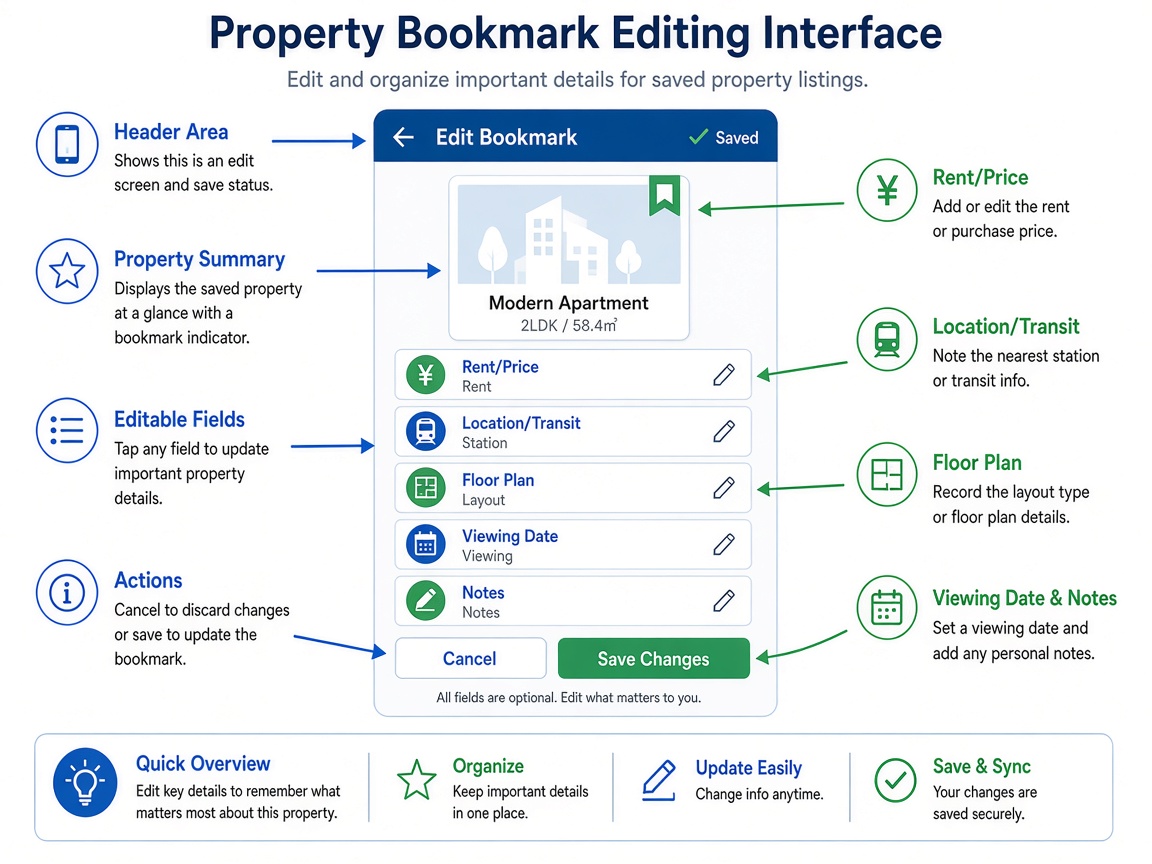
Actual linqlo Web editor with fictional example.com data. Rent, fees, floor area and station walking time are entered manually in Memo.
Example: a shorter journey or a more useful layout?
These two properties are hypothetical; they do not represent active listings.
| Comparison | Option A | Option B |
|---|---|---|
| Why it appeals | Advertised as close to the station | Floor plan suggests room for a workspace |
| Information available | Layout and advertised station distance | Layout and storage position |
| Still unknown | What the walking route is like | Length of the wall for a desk |
| Viewing question | Check the route and surroundings | Check relevant dimensions and circulation space |
Saving both as “nice apartment” would leave you with little to compare after a visit. Turning each attraction into a question tells you what to examine.
A reusable property memo:
- Source and date checked
- Advertised details: layout / area / access / stated cost components
- What fits your priorities and what might not
- Questions for the viewing
- Findings after the visit, kept separate from listing claims
- Next step: check availability / discuss a viewing / record why you ruled it out
Use manual tags such as “Viewing candidate,” “Question pending” and “Viewed” to find the next relevant group. Update them yourself as things change.
Revisit the notes before and after a viewing
Before requesting a viewing, reopen the source to check whether the property is still listed and whether the details or contact route have changed. If the page has disappeared, confirm the current position through the agent’s official channel. An old memo or saved URL is not evidence of present availability.
After the visit, answer your original questions. “Checked the space for a desk” or “Inside of storage still unconfirmed” is more actionable than a general impression alone. Keep confirmed observations apart from unresolved points. Verify costs and contract terms through the official documents or contact; this list is a research aid rather than a substitute for those sources.
Stop when you can choose the next viewing
You do not need to score every feature. A source, a reason to consider the property and a clear remaining question are enough to continue the search.
Once you choose a home, move on to organizing moving references. To check what might fit inside, see furniture dimensions and placement notes. If the shortlist becomes hard to navigate, revisit collections and tags.
Put the guide into practice.
Create a free account to get started. No credit card needed.
Bring your links together for free