For you
Organize moving preparation links with notes
Save URLs for moving company quote comparison sites, packing material stores, address change procedure pages (city office, post office, bank, insurance), utility providers (electricity, gas, water, internet), school transfer procedure pages, house cleaning services, junk removal companies, and bulk waste pickup sites by category, and find them quickly when you need them. Record quote deadlines, application due dates, required documents, and notes in memos, and filter by tags like "movers," "utilities," "municipal," or "cleaning." This is for organizing moving preparation links, not for a moving company marketplace, automated address change services, or permanent archiving of page content.

What you need
Set up a linqlo account and a device with internet access. First, verify that you can select the same workspace in the web version. The Free plan has a storage limit of 500 items. Check the remaining capacity and current pricing on the pricing page.
Example
A collection called "Moving Preparation" containing moving company quote sites, packing material stores, municipal change-of-address procedure pages, utility application sites (electricity, gas, water, internet), school transfer procedures, house cleaning services, and bulk waste pickup URLs. Tags like "movers," "utilities," "municipal," "cleaning," "junk removal," and "school" help you find the information you need quickly. Record quote deadlines, application due dates, required documents, and key points in memos.

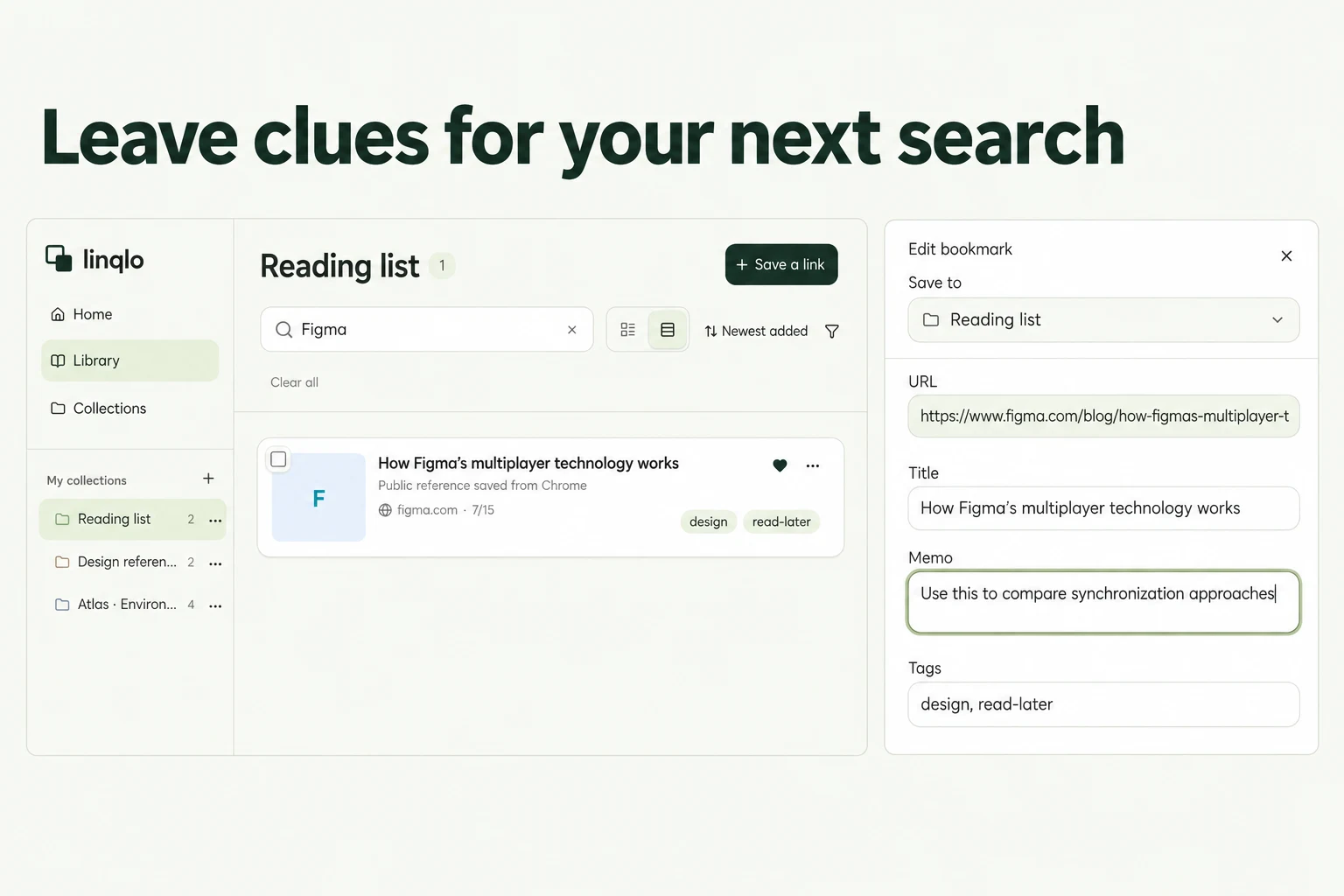
Web editing screen organizing moving preparation and procedure memos in linqlo (sample data for illustration).
The cover image is an explanatory graphic based on linqlo's actual interface, with enlarged operation areas, numbers, and arrows added. The editing screen above displays fictional sample data for illustration purposes.
Steps
1. Create a collection for moving preparation
Create a collection named "Moving Preparation" or "Moving Checklist" to organize moving-related URLs.
2. Save moving-related URLs
Save 3–5 URLs for moving company quote comparison sites, packing materials (boxes, bubble wrap, tape) stores, municipal change-of-address and transfer-in procedure pages, post office forwarding forms, utility provider contract and cancellation pages (electricity, gas, water, internet), school transfer procedure pages, house cleaning services, junk removal companies, and bulk waste pickup sites. Save by pasting the URL and verify that the page title appears in the list.
3. Tag by category and procedure type
Add tags like "movers," "utilities," "municipal," "post office," "school," "cleaning," "junk removal," "packing materials," "quotes," or "procedures." Apply multiple tags to the same page to make filtering easier later.
4. Record deadlines and required documents in memos
Record quote request deadlines, application due dates, change-of-address submission deadlines, utility service start and stop dates, required documents (resident certificate, ID, seal), items to bring, notes, and characteristics of promising service providers. Leave cues like "electricity deadline 9/25," "gas requires appointment," or "change-of-address needs seal" to help you next time.
5. Filter by tag and open when needed
Filter by the "movers" tag to compare moving companies, check "utilities" to proceed with electricity, gas, water, and internet applications, or view "municipal" to confirm change-of-address and transfer-in procedures. Open the original page to check the latest information.
When you can't find or save
If you can't find an item after saving, check your account, workspace, and collection in that order, remove any unnecessary search or tag filters, and reload the list. If you see a failure message or disconnection, verify that the same URL isn't already saved before retrying. If you're not logged in, log in and then recheck the save destination and URL. If shared content doesn't reappear, copy the URL again from the original site and add it manually.
Capabilities and limits
This is for organizing moving preparation links. It is not a moving company marketplace, automated address change service, package tracker, automated utility contracting system, or automated municipal procedure system. Save URLs for publicly available moving company quote sites, packing material stores, municipal procedure pages, utility application sites, and house cleaning services, and open the original page when needed to check the latest information. This is not permanent archiving of page content, so if the site operator deletes or updates information, the URL may become inaccessible. Moving company pricing and availability, utility application deadlines, and municipal office hours change frequently, so always check the original site for the latest information before applying.
FAQ
Can I use this as a moving company marketplace?
No. This guide covers saving and organizing moving preparation URLs. There is no quote request, booking, payment, or package tracking functionality for moving companies. Save URLs individually for quote sites and movers you're interested in.
Will moving information stay permanently once saved?
This guide covers saving and organizing URLs. If moving companies, utility providers, or municipalities delete, update, or change the public access of information, the URL may become inaccessible due to changes on the original site. This is not permanent archiving of page content.
Can I automate address change procedures?
linqlo is not an address change proxy service. This guide covers organizing moving preparation links and simple recording via memos. If you need detailed procedure management or automated filing, use it alongside a dedicated bulk address change service or moving app.
Can I share a moving preparation collection with family or housemates?
Yes. If your pricing plan supports team features, you can share collections with specific people. However, this guide focuses on organizing personal moving preparation. See the pricing page for details on collaboration features.
Getting started and related guides
If you're not registered, you'll need to create an account. If you're already logged in, verify your workspace before starting.
Put the guide into practice.
Create a free account to get started. No credit card needed.
Start organizing for free