For you
Save appliance manuals with the exact model number
To find an appliance manual quickly, save the manufacturer's official page with the exact model number and the chapter you tend to need. A short linqlo Memo can tell you both which appliance the link belongs to and where to look when you open it.
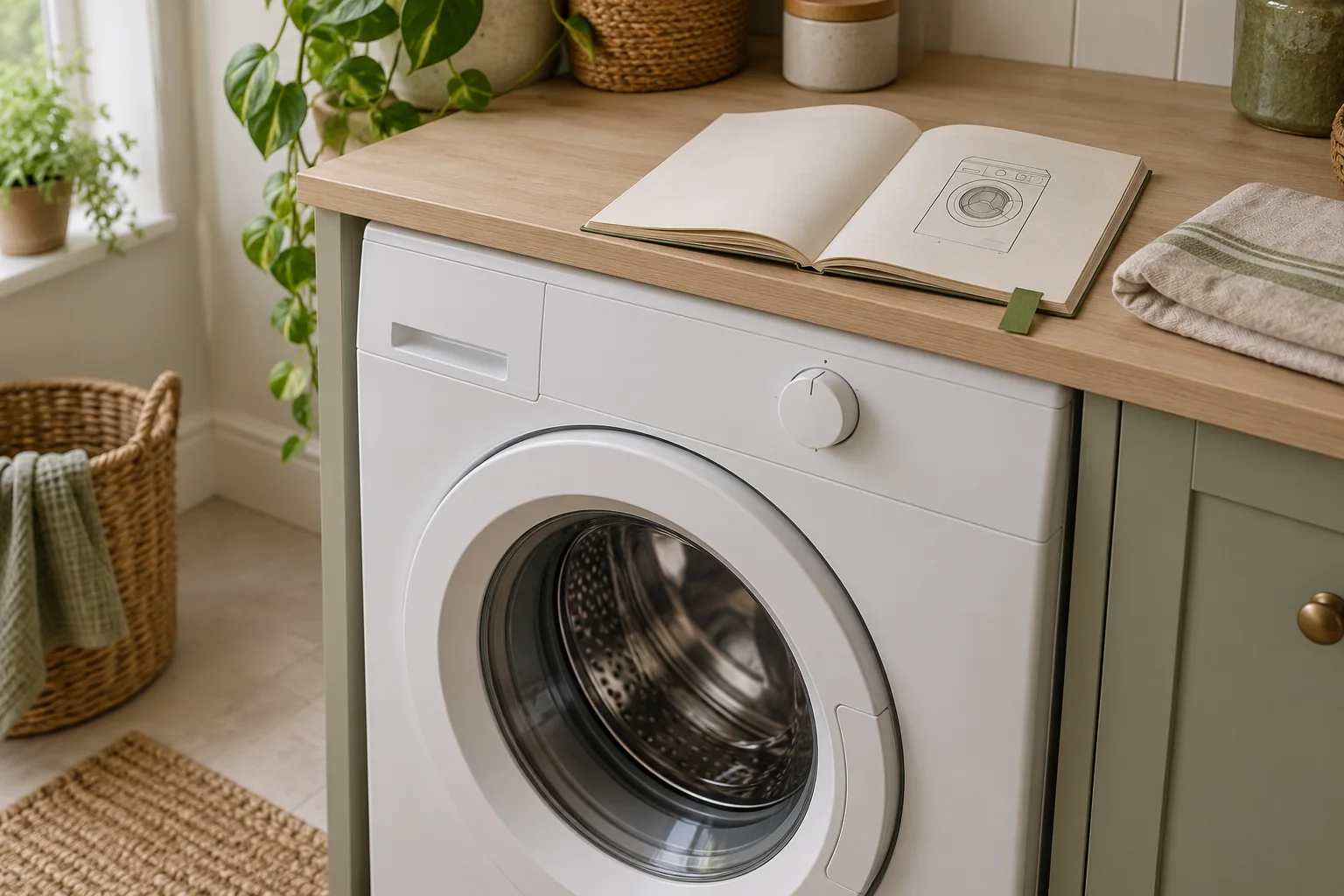
AI-generated editorial image of keeping a manual at hand. It does not reproduce a real model, an official manual, a cleaning procedure, or the linqlo interface.
A search for a washing-machine cleaning instruction may return several nearly identical machines. The series name you remember from shopping is not always enough. For a machine you already own, begin by identifying that particular model.
Use the model on the appliance as your reference
Follow the manufacturer's guidance for locating the model marking. If you cannot see it readily, supporting paperwork may help. Do not move or dismantle the appliance just to hunt for a label.
For this reference list, you need the manufacturer and model. You do not need the individual serial number, the purchaser's address, or an account password. Copy the model carefully, including suffixes and similar-looking characters.
Suppose the washing machine in this fictional example is “Example Manufacturer / MODEL-A70S.” Search results also show MODEL-A70 and MODEL-A70S2. These invented names illustrate why a close match is insufficient. Check both the official listing and the manual's supported-model information to confirm that MODEL-A70S is included.
If one manual covers several models, pay attention to the notes that distinguish them. A shared series name should not lead you to assume that every instruction applies identically.
Pair the official link with the chapter you need
Save the manufacturer's product-support or model-specific manual page. If you save a direct PDF URL, keeping a route back to the official listing makes it easier to find a replacement if that URL changes. Prefer a public product page to a temporary screen in a personal account.
You do not need to copy the manual into Memo. Record the chapter name and, if useful, the page. In a fictional manual, that might be “Care and cleaning: printed page 16; PDF viewer page 18.” Cover pages can make those numbers differ, so distinguish them when you find the section.
The chapter name is useful if pagination changes in a later edition. For the actual procedure, read the source manual, including its precautions. A short reference note should not replace the instructions.
AI-generated illustration suggesting a match between an appliance and its reference material. It is not a repair, disassembly, or cleaning diagram.
Add one appliance to linqlo
Create a Collection called “Home appliance manuals” and save the verified official-page URL. Start with the URL, then use “Detailed entry” or edit the saved bookmark to set a title such as “Washing machine | Manufacturer | Exact model.”
A Memo for the hypothetical machine could read:
Appliance: Example Manufacturer, MODEL-A70S. Model check: matched the appliance marking to the official supported-model list. Where to look: Care and cleaning, printed page 16 / PDF viewer page 18 in this example. Checked: enter the date I actually verified it. Next: reread this chapter's precautions before cleaning.
Use manual tags such as “Laundry” or “Kitchen” if they help. For a single machine, a precise model in the title is likely more useful than several status tags.
This workflow keeps reference URLs and your notes. It does not depend on uploading PDF files or assume that the manual will be available offline. If you need the information without an internet connection, prepare it separately according to the manufacturer's guidance.
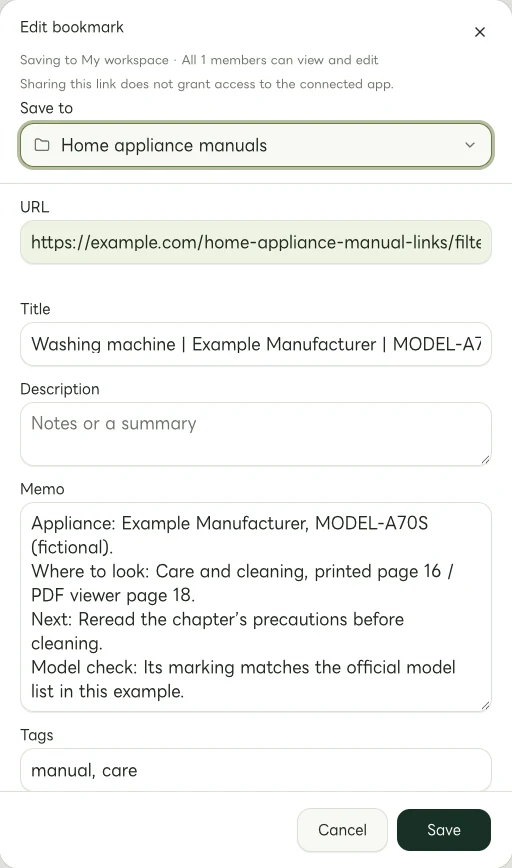
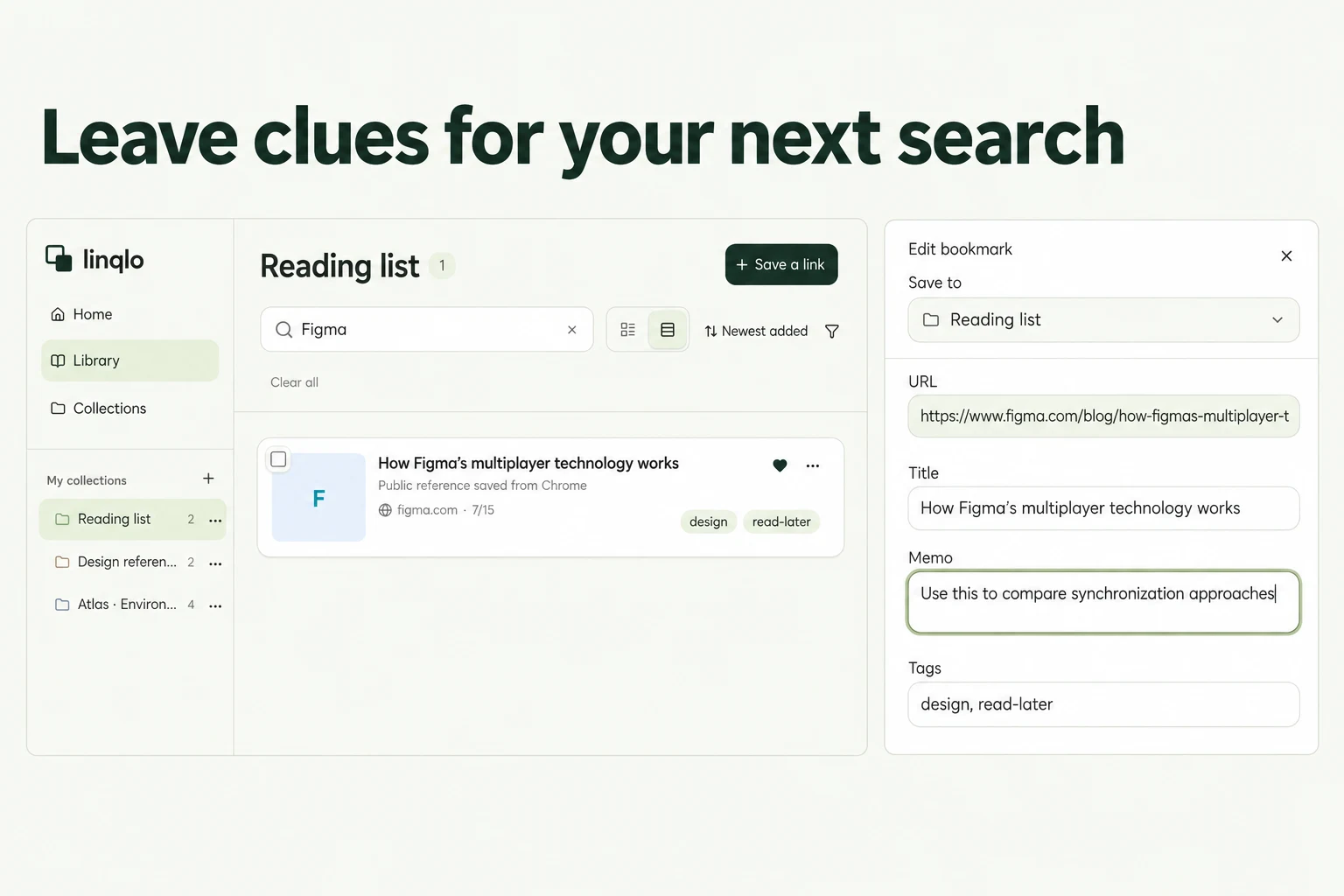
Actual Web edit dialog showing a fictional example.com link. The memo and tags are examples of manually entered information.
Treat a replacement appliance as a new record
When you replace an appliance, find the new model's official page and add a new bookmark. Renaming the old bookmark alone could leave you opening the previous machine's instructions.
If you keep the old reference, give it a clear title such as “Previous washing machine” so it cannot be mistaken for the current one. When an official page moves, verify and add its new URL, then distinguish it from the outdated reference.
For faults or repairs, use the applicable official instructions or support service rather than acting from a short personal note. The collection gives you a dependable starting point for finding those sources. Begin with the appliance whose manual you look for most often, and get its model and official URL right.
Related guides
Put the guide into practice.
Create a free account to get started. No credit card needed.
Start organizing for free