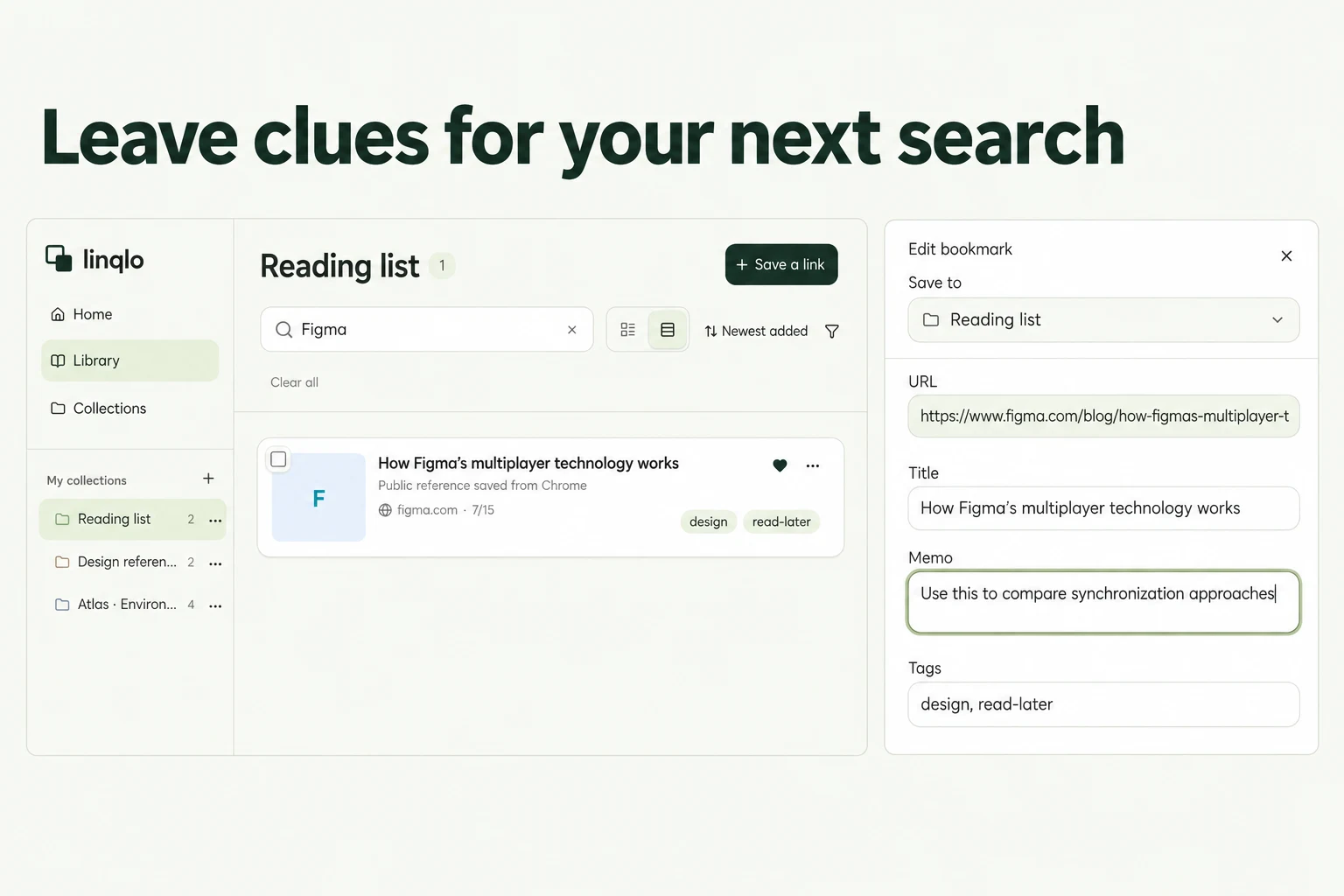
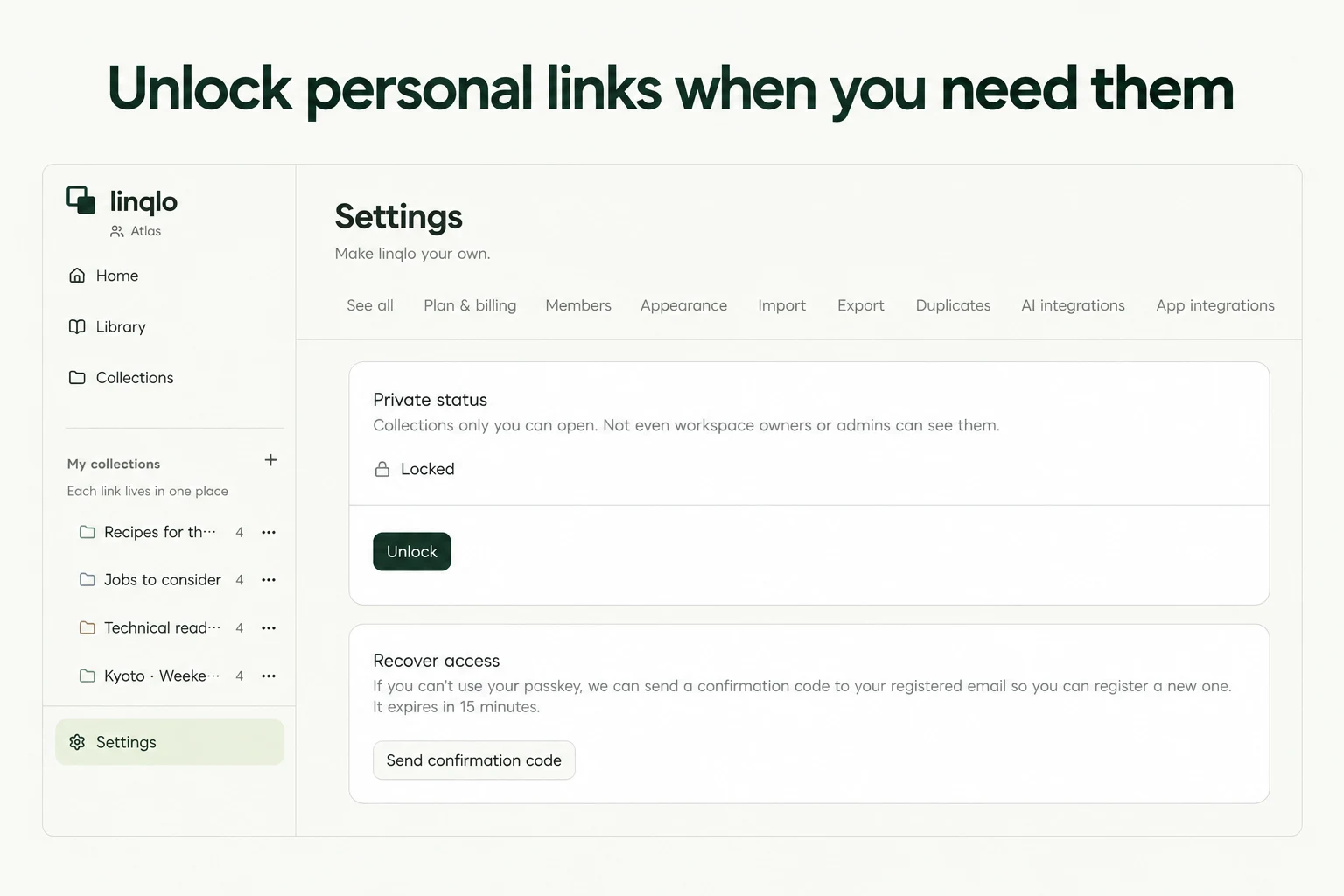
For you
Organize job listing links and decide what to check before applying
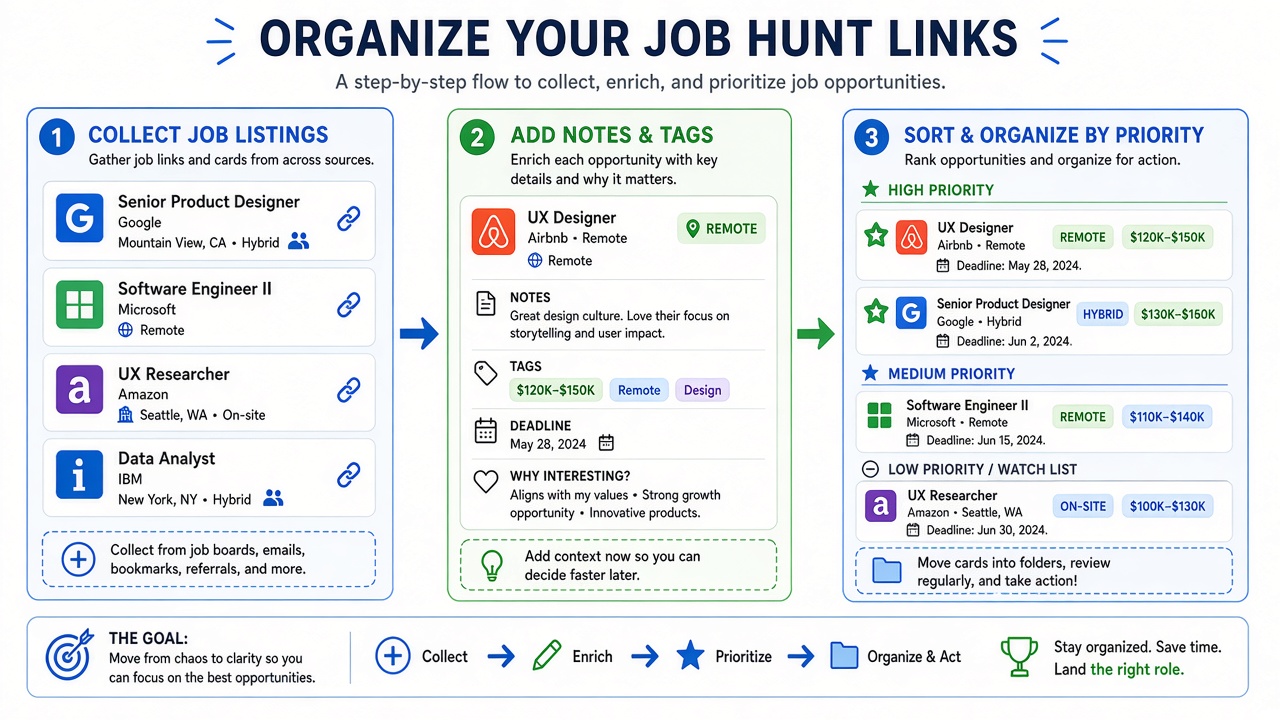
Organize job listings by saving each role’s URL with three short notes: what the employer states, why the role interests you, and what you still need to check. A collection in linqlo keeps job-board listings and company career pages together, so your next review starts with a decision rather than another search.
Choose your comparison criteria first
Pick a couple of requirements that matter for this search, such as the kind of work you want and the location you can work from. A listing that says “remote” may still specify office attendance or location restrictions. Record what it actually says and mark the rest as a question.
Keep these categories separate:
- Listed requirements: responsibilities, location, working arrangements and essential experience
- Your interest: the part of the role you want to explore
- Open questions: information that could change whether you apply
If a salary range is missing, write “not listed.” A figure from another vacancy or a review is not evidence of this role’s compensation.
Save the role, then add your notes
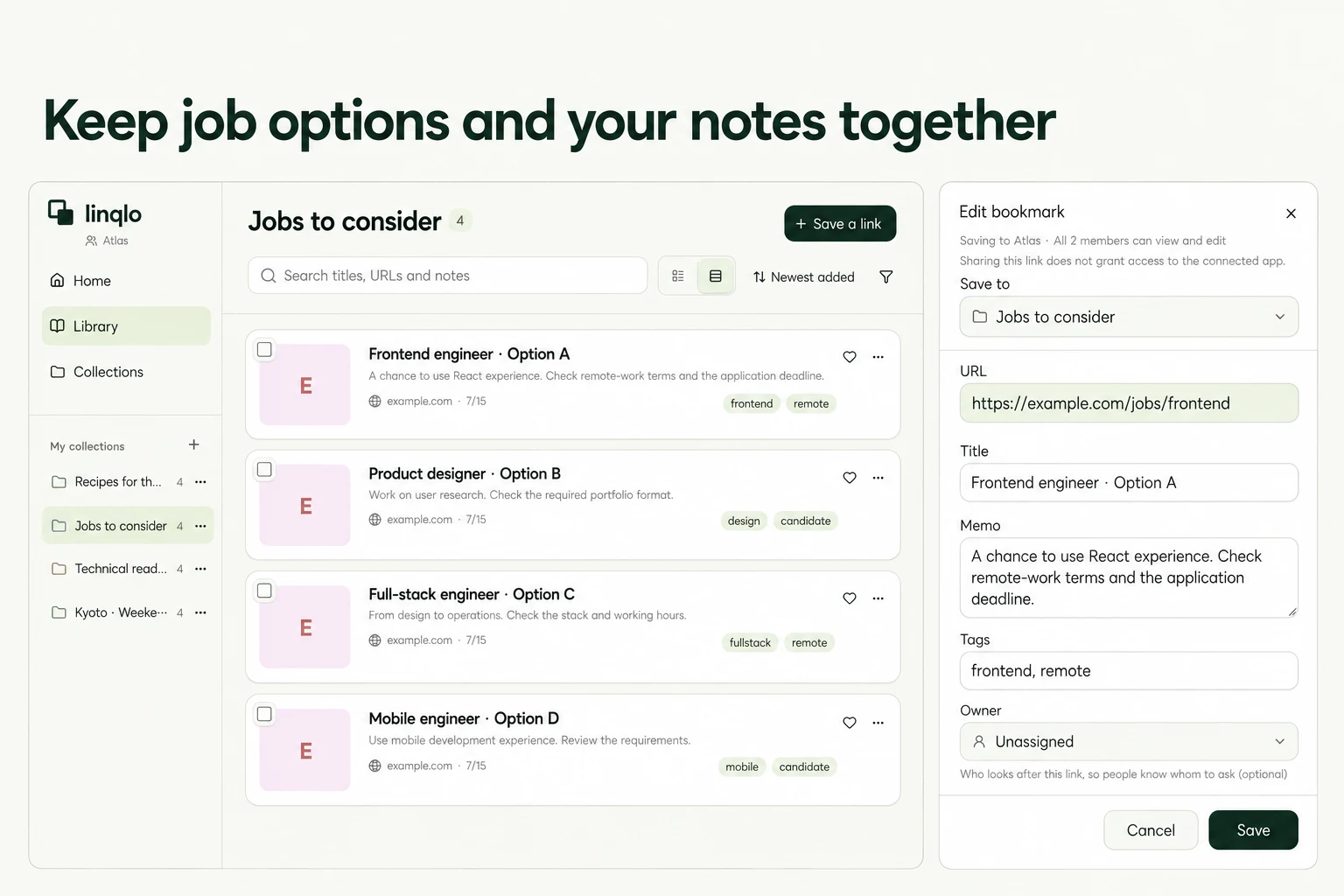
Choose your personal workspace in linqlo and create a collection such as “Job search.” Save individual public vacancies rather than only a search-results page. Keep applicant login links and résumé-sharing links out of this shortlist.
- Copy the listing URL and save it through “Add bookmark.”
- Edit the saved item and use a recognizable title such as “Company | Role.” You can also use “Detailed entry” when you want to fill in the fields before saving.
- Add the listed requirements, your interest, open questions and the date you checked the page to the memo.
- Apply a manual status tag such as “To check” or “Preparing application.”
When the same role appears on several sites, look for the company’s own listing. If you keep both versions, identify them as “Company careers” and “Job board” so you can tell where a detail came from.
Actual Web editor showing a fictional Team workspace. Save personal candidates in your own workspace.
Example: turn two attractive roles into a useful next step
In this hypothetical shortlist, role A fits your experience while role B appears to fit your location needs. Neither is ready for a final comparison yet.
| Note | Role A | Role B |
|---|---|---|
| Reason to consider it | Work draws on existing experience | Location looks suitable |
| Confirmed on the page | Responsibilities and experience | Location and working hours |
| Still unclear | Regular office attendance | Whether the role covers your preferred specialty |
| Next step | Read the company’s working-arrangements information | Recheck the full role description |
You do not need to give these roles a score. Resolve the unknown that matters most to your decision. If the answer fits, move the role to “Preparing application.” If it does not, keep a brief reason for passing so you do not repeat the same research.
A reusable memo:
- Checked: the date you read the source
- Listed requirements: role / location / work arrangement / essential experience
- Why I’m interested: the work I would like to do
- Open question: what might change my decision
- Deadline: the published date and source, or “not listed”
- Next step: check official information / prepare application materials
Recheck the source before applying
Open the original vacancy to confirm that applications are still open, the role and location have not changed, and you are using the stated application route. A date in a memo is a manual record, not an alert. Put time-sensitive actions in the calendar you normally use.
Submit through the employer’s or job service’s specified process. Only label a role “Applied” after you have confirmed submission. If the saved page has closed, check the company’s careers site for an active version; keeping a URL does not ensure access to the original posting.
Keep the shortlist easy to revisit
At your next review, filter for “To check” and choose one unanswered question. Public role information and concise personal observations are enough for this list; avoid adding unnecessary personal documents or details about other people.
For collection and tag choices, see bookmark organization. Read how private bookmarks work before relying on their locking behavior. For longer company research, leave a clear place to resume.
Put the guide into practice.
Create a free account to get started. No credit card needed.
Bring your links together for free