For you
Close your research tabs and pick up where you left off tomorrow
Before pausing a research session, save the useful URLs with two short notes: what you have established and what you need to check next. A small collection in linqlo can give tomorrow's work a clear starting point, even after you close the tabs.

Generated illustration using a closed laptop and organized prints to represent leaving research ready to resume. It is not an application screenshot.
Before carrying twelve tabs into tomorrow
Imagine researching a desk for your home. By the end of the evening, twelve tabs are open: product pages, search results, and reviews. You are ready to stop, but closing them feels like throwing away the work.
What you need tomorrow is the point you reached: “The desk must be no wider than 120 cm” and “I still need the packed dimensions.” The order in which you opened twelve pages matters less than those decisions and questions.
First, check any page with an unfinished form or unsaved writing. Saving its URL may not preserve what you entered. Use that service's own save option where appropriate. This workflow is for pages you want to open again as references.
Give each saved page a job
Look through the tabs and ask, “Why would I open this tomorrow?” Four roles are useful:
- Evidence: the original page where you checked a specification or condition
- An unanswered question: a page that still needs investigation
- The next step: an explanation or starting point you intend to follow
- A fallback: an alternative worth retaining if your current choice does not work
You do not need one link for every role. A product page might provide both verified specifications and a question you have yet to answer.
Favor the pages you reached over several copies of the search results that led there. Duplicate explanations and options that no longer fit your criteria may not belong in this restart collection. If you are unsure about a page, try writing its future use in one sentence. A page without a clear use may be unnecessary for the current question.
Three pages, with a short handoff
In the hypothetical desk example, create a “Desk research” collection in linqlo and save three pages. You can save the URLs first, then edit each “Title” and “Memo” field.
“Option A: specifications” gets the current findings: “So far: the space requires a desk no wider than 120 cm. Checked Option A's dimensions. Still unknown: its packed dimensions.” Keeping your requirement separate from the product information prevents confusion later.
“Delivery and access information” gets the next action: “Find the packed-dimensions information. If it is not available, work out what to ask the seller.” The page title alone would not explain why you intended to return.
“Option B: specifications” stays as a fallback: “Keep in case Option A does not meet the requirements. No further research for now.” This makes its role clear without giving it the same urgency as the next step.
Manually add an “open-next” tag to the delivery page. Choose one starting point rather than marking all three as equally important.
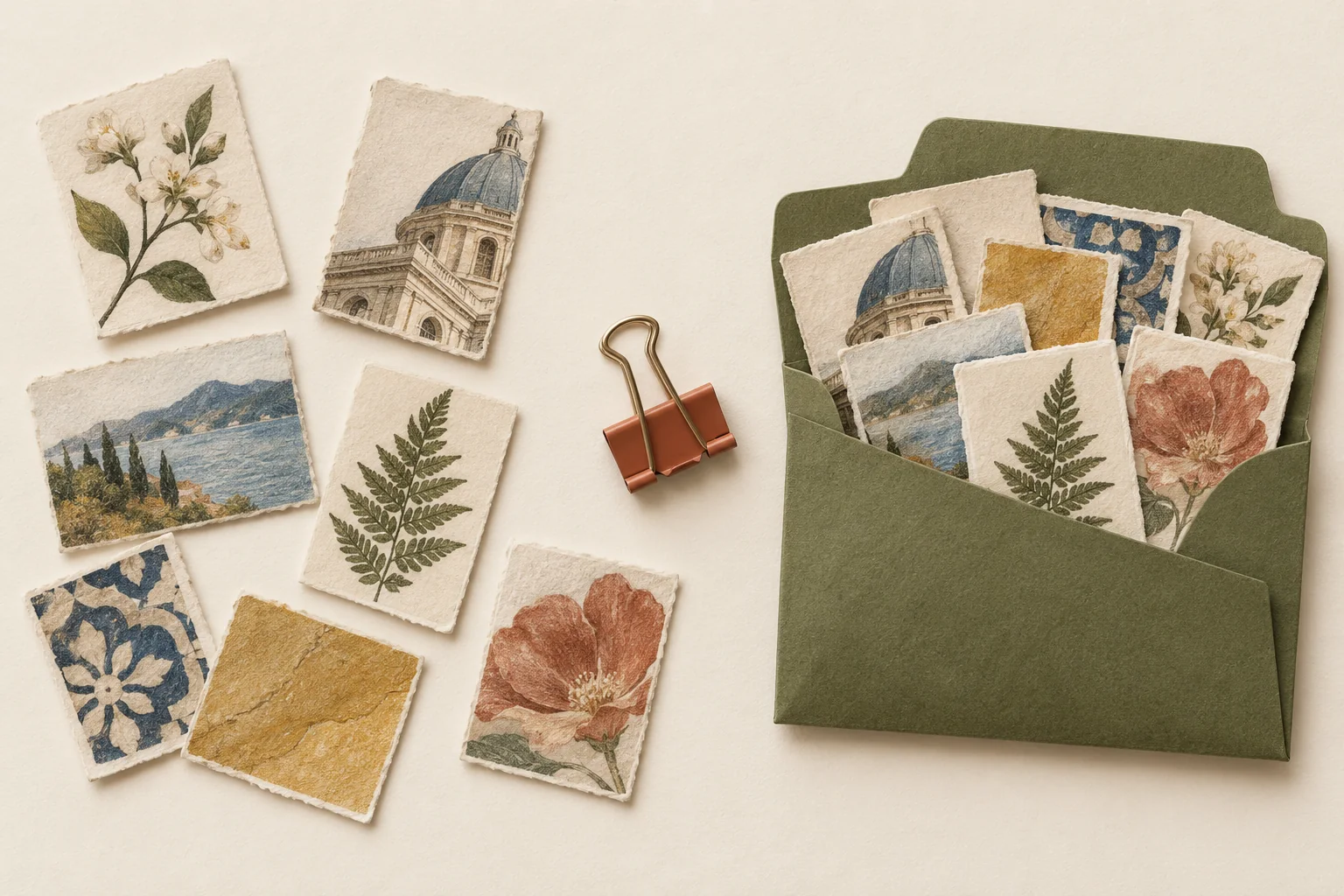
Generated illustration using selected paper images and an envelope to represent keeping useful research together. It does not depict automatic tab restoration.
A reusable handoff can be just three lines:
So far: what I decided and what I found. Still unknown: the question preventing the next decision. Open next: which page to open and what to look for.
“Look for packed dimensions in the delivery guidance” will get you further than “Continue research.” Even a complicated investigation benefits from making the immediate next action that specific.
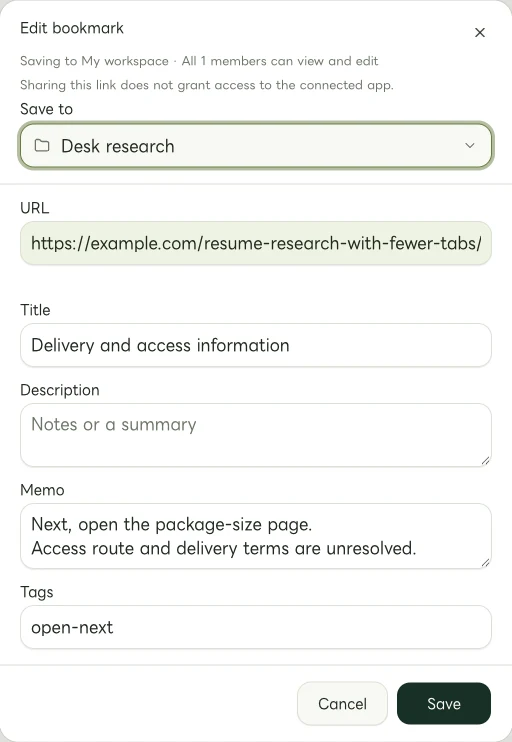
Actual Web edit dialog with fictional example links. The memo and tags are entered manually.
Reopen the starting point, not the whole session
When you return, read the note on the link tagged “open-next,” then open that page. Once you answer the question, update the note with what you found and the page that supports it. Correct yesterday's assumptions if the evidence changed them.
Move the tag when the next action changes. Leaving “Find packed dimensions” marked as the next step after you have answered it can send you through the same work again. Write the new action before moving on to another candidate or source.
A saved URL does not preserve login state, form entries, tab order, or every selection inside a page. Put important conditions or model details in the note too, and access restricted material through its original service.
You do not have to finish the research before stopping for the evening. Leave it at a point you can explain. If you write only one thing before closing the tabs, make it the page you will open tomorrow and the question you will answer there.
Related guides
Put the guide into practice.
Create a free account to get started. No credit card needed.
Start organizing for free