For you
Organize wedding venue links and questions for visits
Organize wedding venue links by keeping your requirements, the published information and your visit questions together. In linqlo, compare the same kind of options using consistent assumptions about timing and guest numbers. That turns an appealing photo into a clearer next conversation.
Compare one category at a time
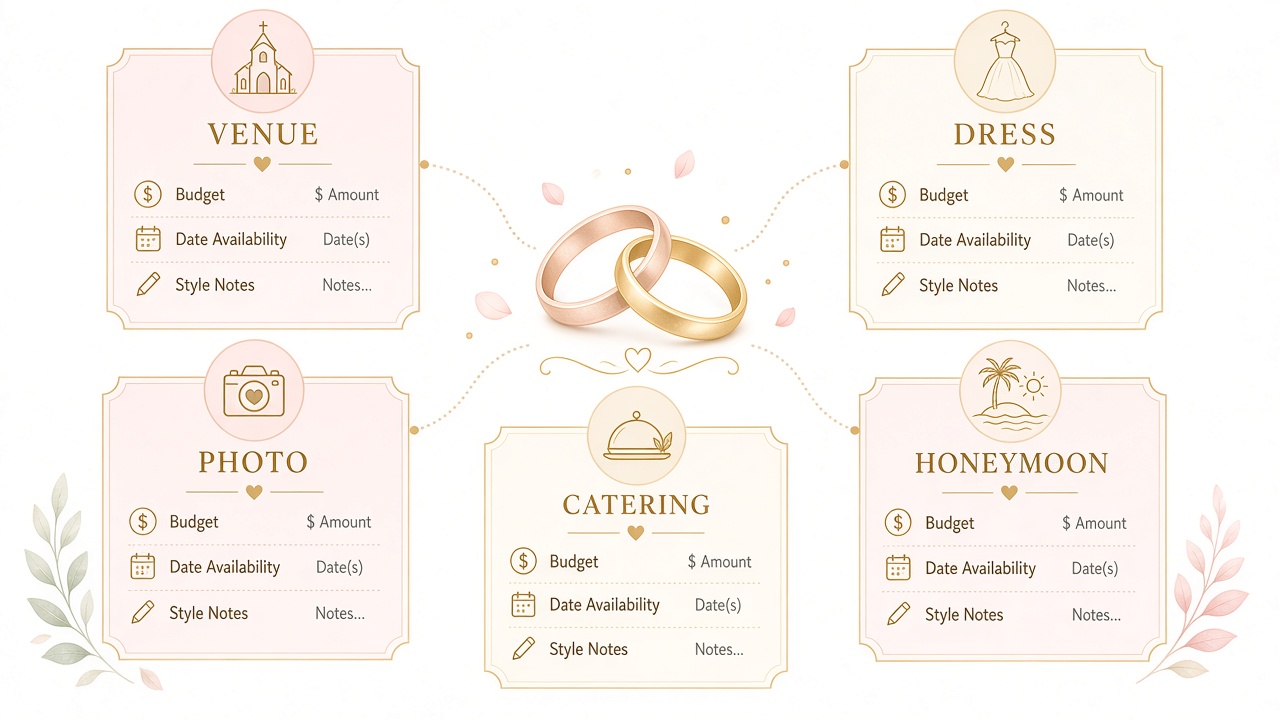
Venue, clothing, photography and honeymoon links can accumulate together. Choose the decision you are working on today. When considering venues, compare venues rather than trying to score a photography service and a trip against the same criteria.
Write down the approximate timing, intended guest count, services you want and the qualities that matter to you. Leave unresolved choices marked “undecided.” If guest numbers are unsettled, use capacity as a question to discuss rather than a final yes-or-no test.
Save the page and the conditions behind the package
Create a “Wedding planning” collection. Save the venue’s official page and any relevant package URL, then edit titles such as “Venue A | Spaces” and “Venue A | Package.” Add your memo and tags after saving, or use “Detailed entry” to fill in the fields first.
Published prices or availability can apply only to stated dates, guest counts or other conditions. Record the source and when you checked it. Avoid labeling a venue “Within budget” or “Available” when you have not established that the offer applies to your plans. Keep a public package distinct from an individual quotation.
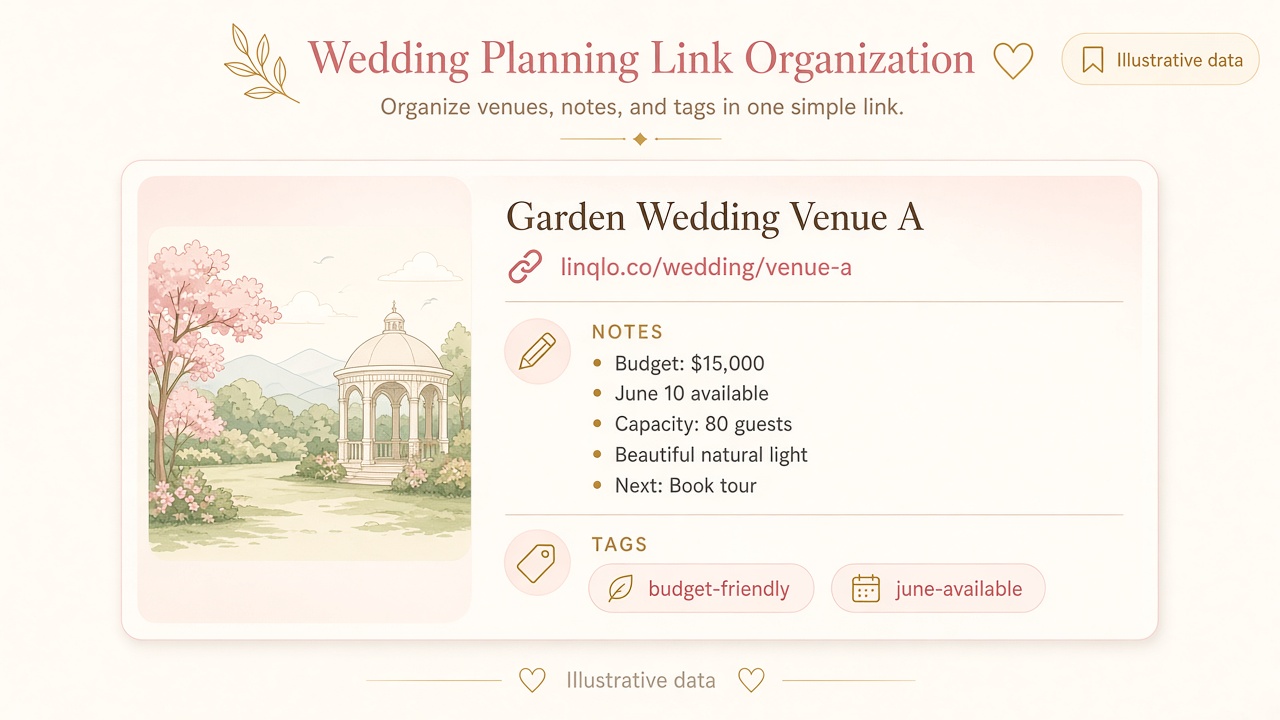
Explanatory illustration; this is not a linqlo screenshot. Prices and availability shown are illustrative, not real offers.
Example: compare two different kinds of appeal
These venues are hypothetical. The example contains no real vendor, price or availability claim.
Suppose you like venue A’s outdoor photographs and venue B’s transport access. Asking both about the same intended guest count and timing makes their answers more comparable.
| What to record | Venue A | Venue B |
|---|---|---|
| What appeals | Outdoor photographs fit your taste | Directions from the station are clear |
| Published information | Description of outdoor spaces | Transport information and venue layout |
| Still unconfirmed | Space used in wet weather | How guests move through the venue |
| Question to ask | Wet-weather arrangements and conditions | Route from the entrance to the event space |
Keep the visual preference, then turn it into a practical question. If a package page does not answer something, write “To confirm” rather than filling in the gap yourself.
Reusable candidate memo:
- Shared assumptions: timing / guest count / services wanted
- Why this option appeals:
- Public package conditions and date checked:
- What is explicitly included:
- Extra items or unanswered questions:
- Questions for the visit:
- Next action: read information / send an inquiry / compare after visiting
Update the record after each conversation
Use manual tags such as “Want to visit,” “Awaiting reply” and “Comparing.” After actually sending an inquiry, note the date and the question you asked. Confirm any booking through the venue’s own process; a tag is not a reservation.
Keep information from a personal reply separate from what you read on a public page. If plans change, you will know which assumptions to revisit. Add appointments to your usual calendar when you need reminders; writing a date in the memo does not create one.
Before committing, confirm the final details, date, included services and change or cancellation conditions with the provider. The collection helps you find your references; it does not replace checking the agreement.
Finish with a venue and a question to discuss next
Choosing the next venue to contact and the questions to ask is a useful stopping point. If you set an option aside, retain a short reason so you can understand the decision later.
For accessories or other products, use shopping comparisons. Plan the honeymoon separately with travel links. If tags become unwieldy, return to bookmark organization and keep the labels you actually search for.
Put the guide into practice.
Create a free account to get started. No credit card needed.
Bring your links together for free