For you
Organize exam study links around questions and explanations
Organize exam resources by the topic you need to review, not just the subject name. Save the practice question and explanation URLs in linqlo, then note what went wrong and where to return. The aim is a clear next exercise, rather than a larger pile of study materials.
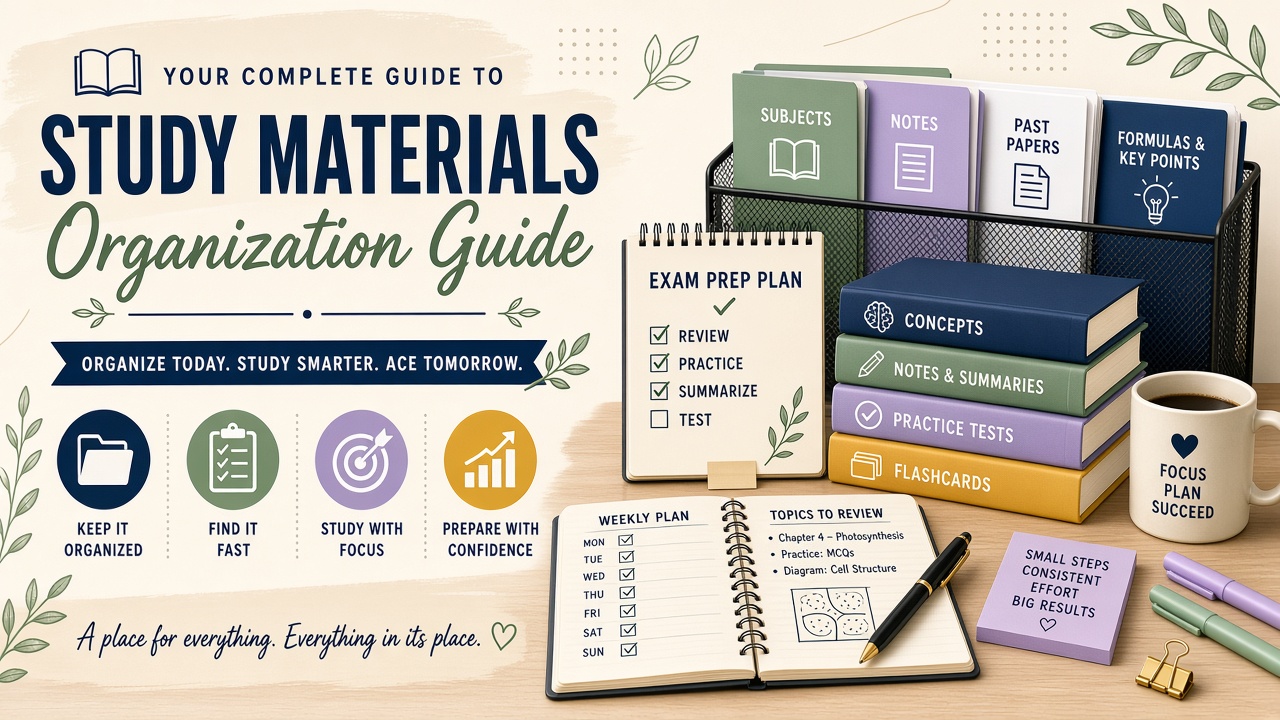
Actual linqlo Web collection with fictional URLs, titles, tags and notes for illustration.
Check the syllabus and the resource’s scope
Start with the exam provider’s official information about the relevant session, year or syllabus. A resource found through search may cover an older version. Check which exam and edition it addresses rather than relying only on a recent page update date.
Use a collection for the exam, such as “Bookkeeping exam preparation,” and tags for subjects or topics. If you are preparing for several exams, keep their official scope references separate. Retain any relevant year or edition in the resource title.
For each topic, three kinds of links can provide useful starting points:
- Official syllabus or guidance: check what the exam covers
- Practice question: try the task yourself
- Explanation or video: revisit the part you did not understand
Pair the question with its explanation
Save a resource URL in linqlo, then edit its title, memo and tags. You can save the URL first or use “Detailed entry” to complete fields before saving.
Use matching titles such as “Topic | Practice” and “Topic | Explanation,” with the same topic tag. In the memo, record a video time you have checked or a page heading you can find again. A written time is your own navigation note, not automatic playback-position tracking. See saving learning videos for the video-link workflow.
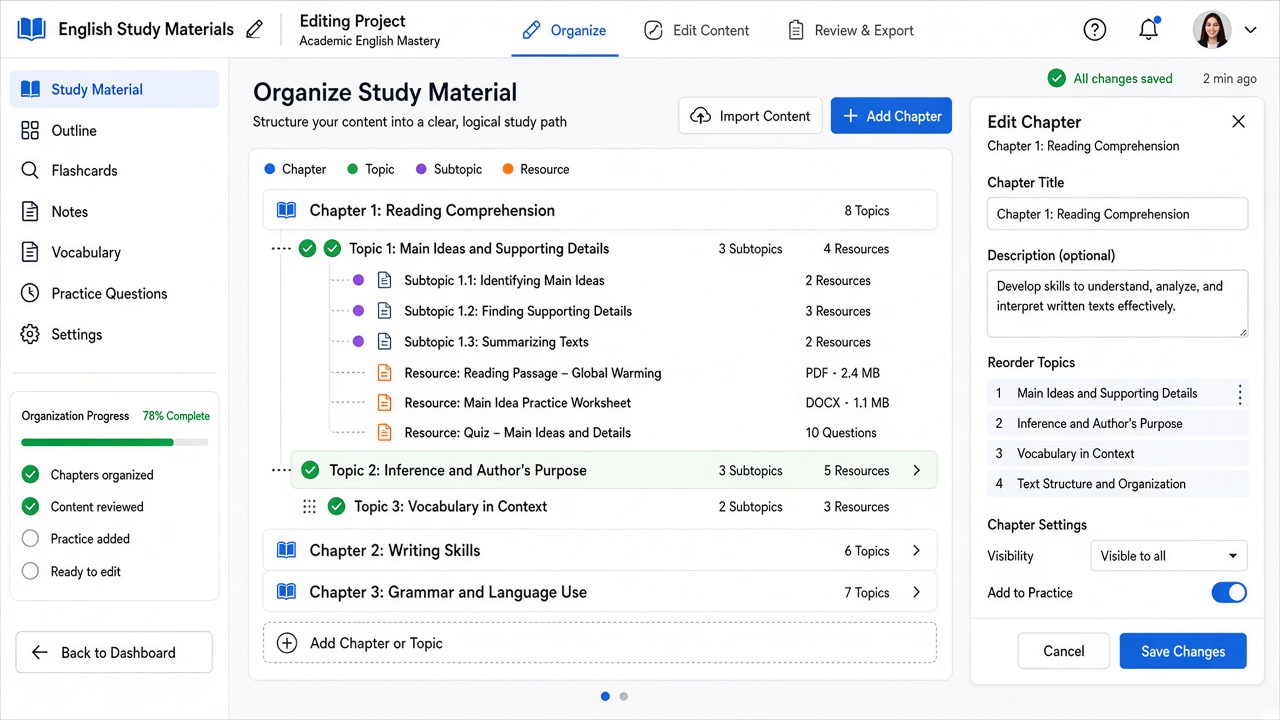
Actual linqlo Web editor with fictional example.com data. The missed concept, next exercise and review date are entered manually in Memo.
Turn “weak topic” into a specific next exercise
This hypothetical bookkeeping example describes an organization method, not a claim about a particular exam’s content or a resource’s effectiveness.
After an incorrect answer, “understanding: partial” gives you little to do next. “I missed a condition in the question” identifies a reason to return to the explanation.
| Field | Example note |
|---|---|
| Topic | The journal-entry topic being reviewed |
| Question location | Question 2 on the practice page |
| What went wrong | Started calculating before checking the conditions |
| Explanation location | The worked-example heading |
| Next action | Close the explanation and retry the question |
| Outcome | Record whether you can explain the condition yourself |
If you still cannot explain it, look for an explanation that addresses that gap. If you can, remove the manual “Review needed” tag. The tag helps you choose resources; it is not a calculated grade.
Reusable memo:
- Exam and resource year or edition:
- Topic to review:
- Question location:
- Error or unanswered question:
- Explanation heading / video time:
- Next action:
- Review date and result:
Start the next session from your last question
Filter by “Review needed” and the relevant topic. Read your previous note and decide whether to attempt the question first or revisit the explanation. After studying, add one line about what you can now explain and what remains unclear. Use your usual planning tool for any reminder you need.
Access conditions depend on the resource provider, whether the material is free or paid. Check the service’s rules for login, course entitlement and any expiry date. Saving a URL does not extend your access or guarantee the original material remains available. If you share references, prefer public links and avoid including paid text or personal login URLs.
Finish one review loop before adding more resources
Before saving another explanation of the same topic, ask whether it answers an unresolved question. If the existing material is enough, retry the exercise first. One topic with a practice link, a useful explanation and a next action is enough to start.
For ongoing technical reading outside a specific exam, see organizing technical articles. For expressions you want to use in everyday situations, try language-learning review links.
Put the guide into practice.
Create a free account to get started. No credit card needed.
Start organizing for free