For you
Organize language-learning links around what you want to say
Save language-learning videos and articles with the conversation you want to use them in. A linqlo bookmark with the lesson URL, the section to revisit, and one sentence-building task gives your next review a clear purpose. Before your next conversation, open just that lesson.

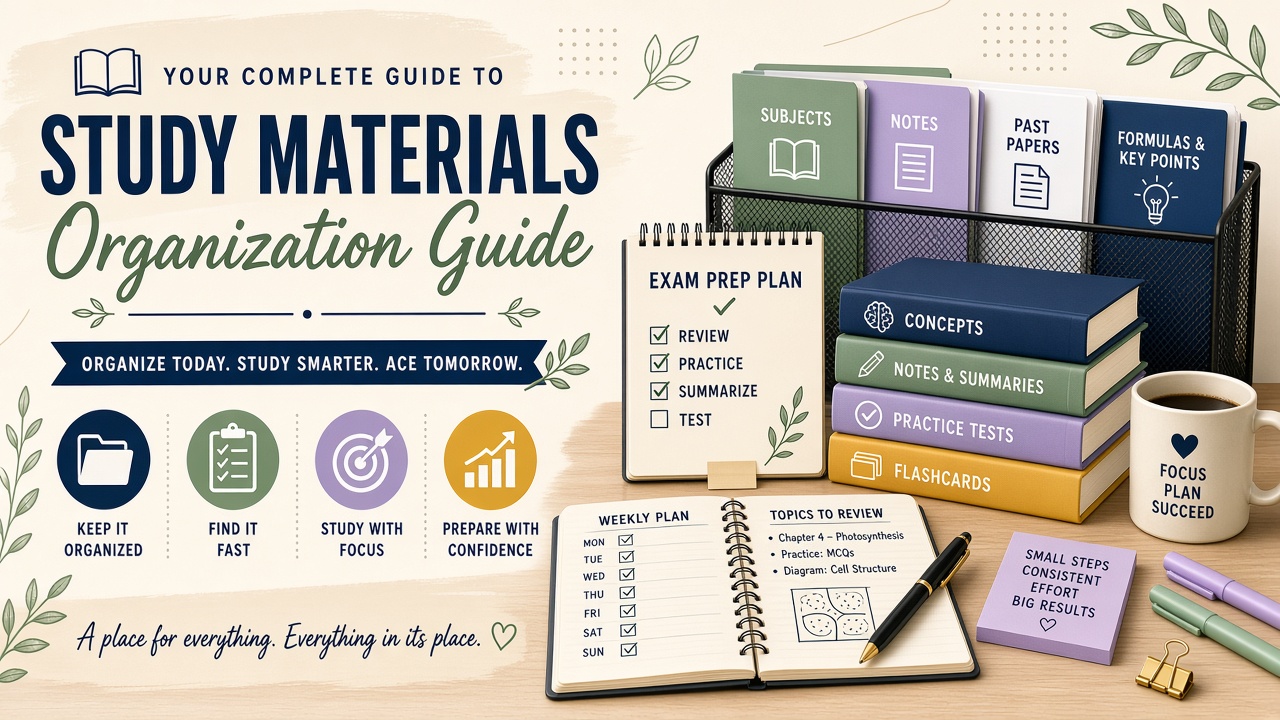
AI-generated editorial image of language review. It is not a lesson screenshot or a demonstration of linqlo translation or grading features.
“Looks useful” is an easy reason to save something, but it leaves you choosing all over again when it is time to study. Pick a situation you expect to encounter, then collect the material that helps with it.
Take one useful expression into the next conversation
Imagine you are preparing for an online language conversation where you will arrange your next meeting. You have saved material about introductions, asking someone to repeat something, and making plans. For today, choose the one about making plans.
For an English learner, an example might be “Would Thursday work for you?” Check the meaning, appropriate context, and pronunciation of expressions you choose against a reliable learning source.
Give yourself one specific task: “Make a sentence using the day I want to suggest.” If Thursday suits your hypothetical schedule, use Thursday. If you want to suggest another day, make that version. The note tells you what you are trying to do before you press play.
Give the lesson a title you can use
Create a linqlo Collection called “Expressions for my next conversation” and save the lesson URL. Adding starts with the URL; choose “Detailed entry” or edit the saved bookmark to add a title and a Memo.
“Making plans | Suggest a day” is more useful for this purpose than “Beginner conversation, lesson 12” alone. You can keep the original lesson name after it. Save the video's public page or the article that contains the explanation you want to revisit.
For a fictional lesson, the Memo might read:
Situation: arrange the next online conversation. Revisit: around 2:10 in this imaginary video. Check: how to suggest a day and how it sounds. Practice: make one sentence using my own schedule, then say it aloud. After the conversation: record whether I used it and where I got stuck.
The timestamp or article heading is a reference you write yourself. This workflow does not assume that a video opens at that position or that playback progress syncs. If the lesson changes, check the source and update your note.
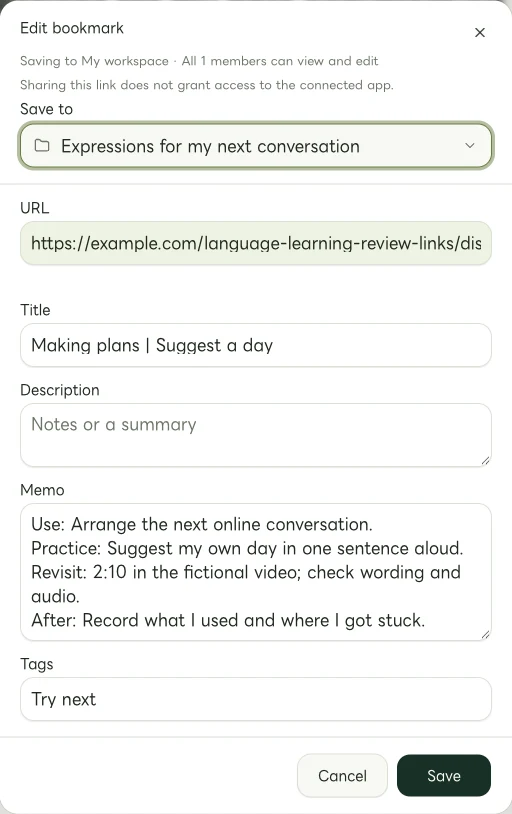
Actual Web edit dialog showing a fictional example.com link. The memo and tags are examples of manually entered information.
If you have five minutes, try one sentence
Here is a short review sequence for the example above. Five minutes is simply a suggested time box, not a promise about learning results.
Read the Memo first. Remind yourself that you want to arrange a meeting. Avoid opening another long lesson before trying the material you selected.
Revisit the relevant section. Check the explanation, context, and audio in the original lesson. Adapt one sentence to your own plans, then say it aloud. If you are unsure about the wording, leave a question to check with the material or a teacher rather than treating a guess as a correction.
Leave a useful next step. For example: “Made a sentence with a different day. Next, check how to ask for repetition if I miss the reply.” Now there is a concrete reason to open the material about asking someone to repeat something.

AI-generated illustration for thinking about conversation situations. It does not show automatic assessment or a learning-progress screen.
Let the conversation tell you what to save next
After a real conversation, separate what worked from what you want to check. “Managed the suggestion; got stuck when they offered a different day” gives the next review more direction than “Couldn't do it.”
Apply tags such as “Try next” and “Review again” yourself. You can return an expression to practice even after using it successfully once. These are your own judgments, not automatic grading or a measured progress status.
Add another lesson when you have a question your current material does not answer. In this example, that might be how to decline politely. Keep a link and a short question rather than copying large sections of the lesson.
What would you like to say once in your next conversation? That situation can help you choose today's video from the ones you have already saved.
Related guides
Put the guide into practice.
Create a free account to get started. No credit card needed.
Start organizing for free