For you
Build a movie watchlist you can actually choose from tonight
Add one small detail to every movie link you save: the kind of evening you would like to watch it on. A linqlo Collection of trailers and film pages becomes much easier to use when your own notes connect each film to a mood, an amount of time, or someone you want to watch with.
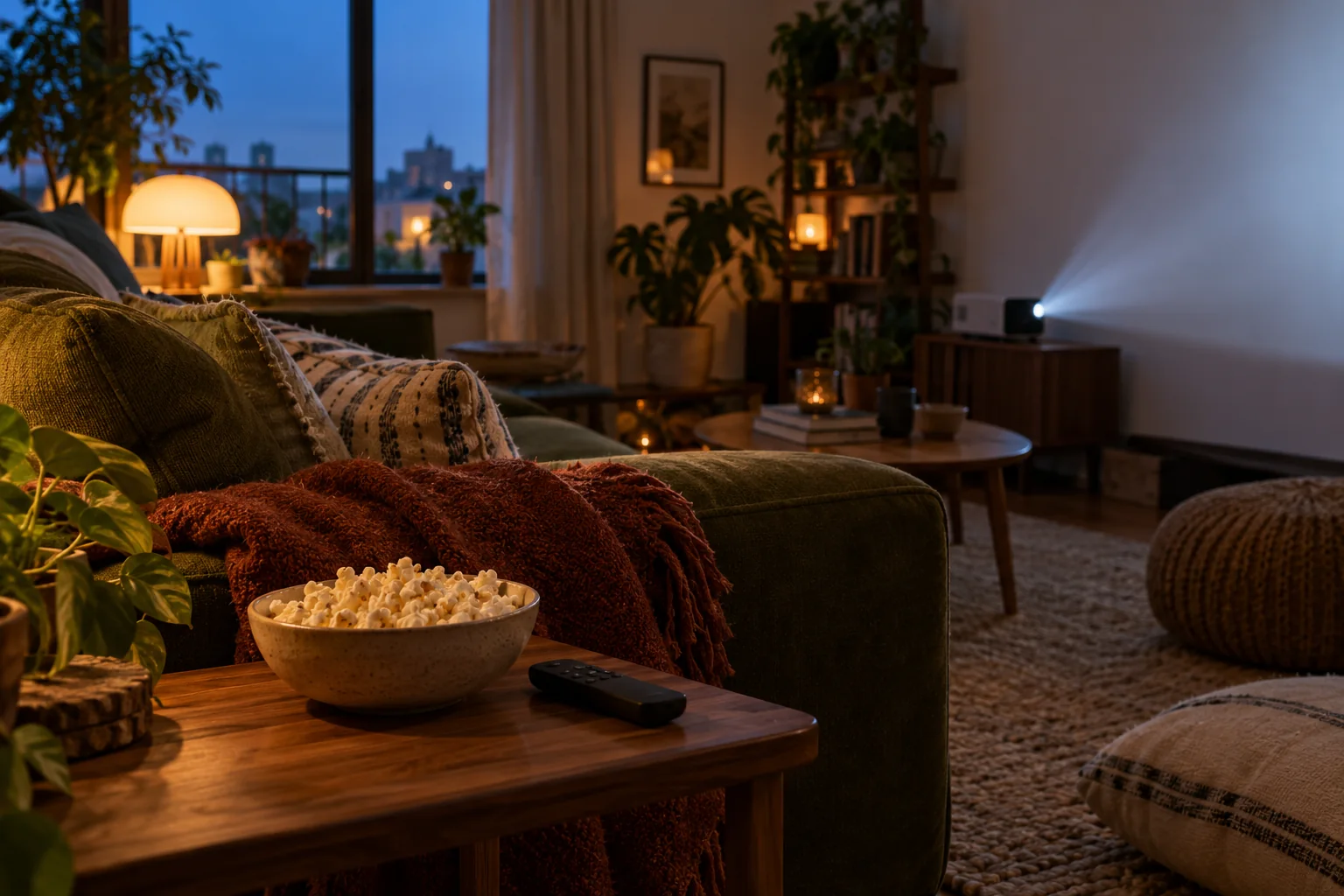
AI-generated editorial image of a movie night at home. It does not depict a real film or the linqlo interface.
A long watchlist can still leave you with nothing that feels right tonight. The film you remember looks wonderful, but it is long, or emotionally demanding, or something you meant to watch with a friend. Save the reason it caught your attention while that reason is still fresh.
Keep the link that explains your interest
A trailer, a festival introduction, and a streaming service's film page serve different purposes. If a conversation in the trailer caught your attention, save that trailer. You can also save a separate film-page link for checking how to watch it later.
Name the links so their roles are clear: “Film title | Trailer” and “Film title | Film page.” Add a release year when you need to distinguish a remake or another film with the same name.
Your note does not need to retell the plot. “I liked the pauses in the dialogue,” “Want to see these landscapes on a bigger screen,” and “Would enjoy talking about this with a friend afterward” are more useful selection cues. Avoid copying spoilers from reviews into a list you will browse before watching.
Give your first three films different jobs
The following films and running times are invented examples. They do not describe real releases or current streaming availability.
- A, “The Café After Rain”: 88 minutes in this example. The gentle conversation in the trailer appealed to you. A possible quiet, solo weeknight watch.
- B, “The Distant Station”: 142 minutes. You want time to take in the scenery. Save it for an unhurried day off.
- C, “Chaos Next Door”: 106 minutes. It looked like something you would enjoy with friends. Keep it for your next movie night together.
If you have about 100 minutes tonight and want a calm film, A is the first page to open. B can stay on the list without being tonight's choice. A note beside C preserves the reason you are saving it for company.
Start with just three tags: “Weeknight,” “Day off,” and “With someone.” You can add other categories later if you actually use them to choose. There is little benefit in cataloging every director, country, and decade before watching your next film. For running time, check the specific version you plan to watch rather than relying on memory.

AI-generated illustration of choosing a mood. The scenes are invented, not real film posters or an automatic categorization screen.
Set up a small shortlist in linqlo
Create a Collection called “Films to watch” and save three URLs. Adding a link starts with the URL. Open “Detailed entry,” or save the link and edit it afterward, to add a recognizable title, a Memo, and tags.
For A, a useful note could be:
Mood: a quiet evening. Why I saved it: the pace of the conversation in the trailer. Watch with: just me, on a weeknight. Length: 88 minutes in this fictional example. Still to check: running time of the version I will watch and where it is currently available. Next step: open the film page before playing it.
If you record a streaming service, include the date you checked. That helps keep an old discovery from becoming an assumption about current availability. linqlo stores your reference links and notes; it does not automatically update streaming availability or expiry dates.
Apply the tags yourself, then revisit the relevant group when you choose. If the list grows, review three candidates before the weekend rather than reorganizing the whole collection. The list should help you start a film, not become a second evening's work.
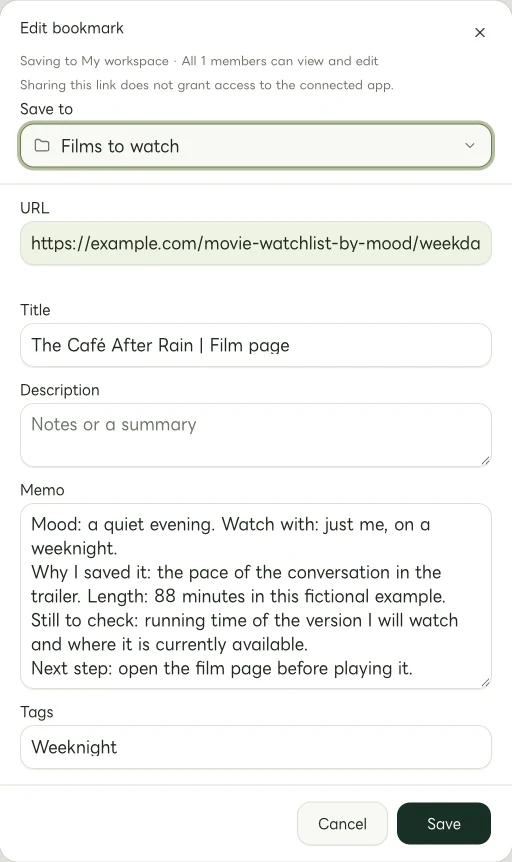
Actual Web edit dialog showing a fictional example.com link. The memo and tags are examples of manually entered information.
Do a quick check before playback
Once you choose a candidate, check the official film information or the service you will use for the exact film, version, running time, subtitles, audio, and access terms. If you choose a paid rental, check the current price and viewing window there too. An old review or saved note is not a current offer.
After watching, you might replace a planning tag with “Watched.” One short note can be enough: “Worth another viewing on a day off” or “Would watch again with friends.” Keep it spoiler-free if someone who has not seen the film might browse the list with you.
Start with the one film you most want to see. Write who you would watch it with and what kind of evening would suit it. Next time you open the list, you will have more to go on than a title.
Related guides
Put the guide into practice.
Create a free account to get started. No credit card needed.
Start organizing for free