For your team
Give meeting links a reading order and a reason
A useful meeting reference tells people why to open it and how much to read. In linqlo, collect the sources for one decision, put a reading-order cue in each title, and use the memo to explain the relevant section.

AI-generated illustration, not real meeting materials or the linqlo interface.
Three URLs still leave a lot unsaid
A proposal, a research document, and a reference site arrive with “Please review.” Should participants read everything, skim for context, or prepare an opinion? People can put in substantial preparation and still arrive with different expectations.
Before collecting more material, write the meeting’s question in one sentence. Our fictional example is a 30-minute planning discussion: “Should the first release include only an information page, or an application form as well?” It does not describe a real project or an existing agreement.
That question calls for background, evidence for the two options, and a reference for checks during the discussion. Interesting but unrelated examples can stay out of this collection. A smaller reading pack is easier to prepare from.
Give each reference a different job
In a team workspace that participants already use, create “October release-scope discussion.” Start with these three references. The numbers are manual reading cues in the titles, not an automatic sorting rule.
| Example title | Purpose | Suggested reading |
|---|---|---|
| 01 Background · First-release goals | Establish the intended outcome | Goals and intended users |
| 02 Decision · Option A and option B | Compare the two scopes | Comparison in section 2 |
| 03 In-meeting reference · Release checks | Check for omissions | Relevant items during the meeting |
This is an editorial example. linqlo does not assign the document roles or reading order automatically.
If a document is only needed during the meeting, say so. Participants can spend their preparation time on the background and the decision. Arrange the reading cues around understanding the question, rather than the order in which the documents were written.
Write one memo people can act on
Save each URL, then edit the bookmark to adjust its title and “Memo” field. To fill in those fields before saving, choose “Detailed entry” in the add form. For the second reference, a useful note might read:
Purpose: Establish the assumptions behind options A and B
Read: Section 2, “First-release scope,” only
Decision: Information page alone, or an application form too?
Option A: Information page; use the existing contact channel
Option B: Include a form; the response process still needs agreement
Consider: What is essential for the first release?
Information as of: 2026-10-03 (fictional example)
This takes more words than “Please review,” but it makes the requested preparation clear. It does not need to become a full summary. A long duplicate of the document can go stale whenever the original changes. Keep the memo focused on how to read the source, with the detailed evidence and specifications remaining in that source.
If useful, add “Read beforehand” and “In-meeting reference” tags manually. These are labels, not notifications or read receipts. Use your normal communication channel to tell participants which collection to use and which question the meeting needs to resolve.

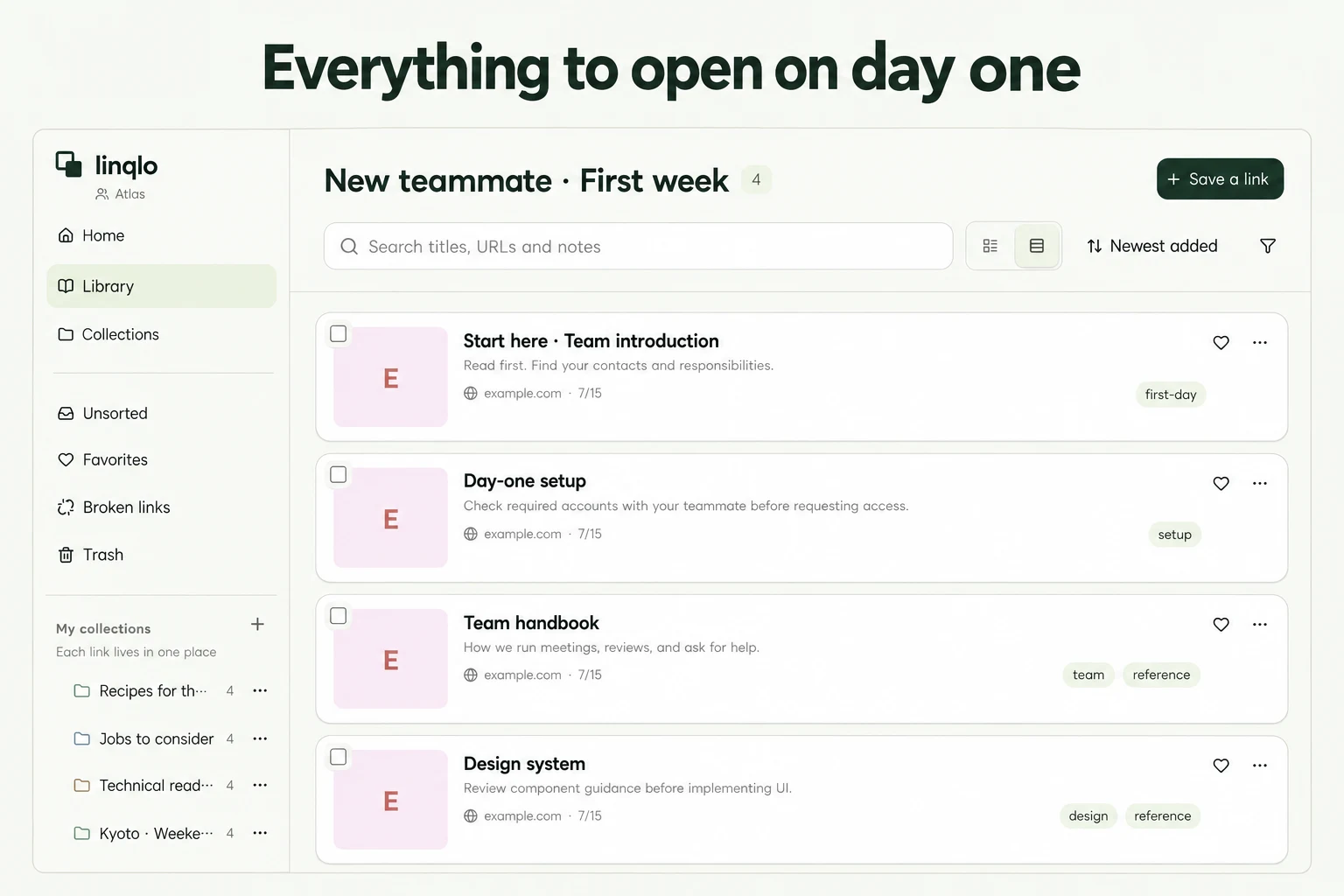
AI-generated conceptual illustration. It does not show an application screen or participants’ reading activity.
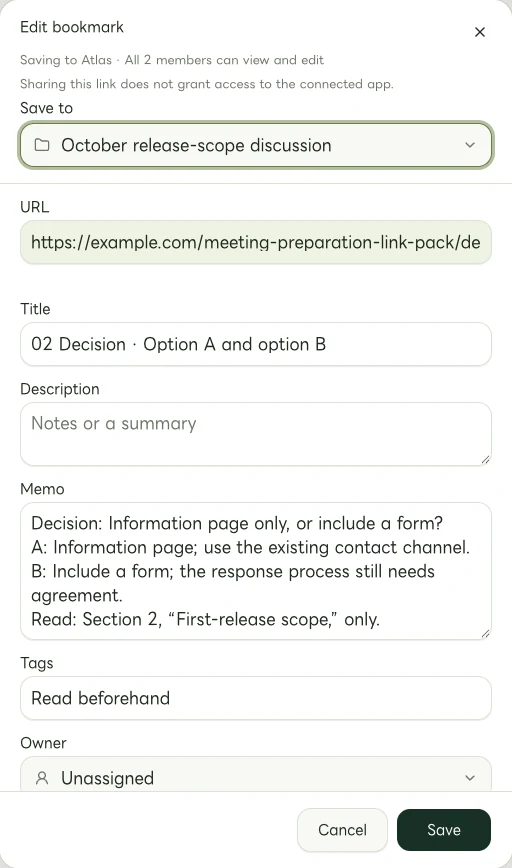
Actual Web edit dialog showing a fictional example.com link. The memo and tags are examples of manually entered information.
Check access from the participant’s perspective
Successfully saving a URL does not establish that everyone can open its destination. Before the meeting, check:
- Participants can use the relevant workspace
- The original documents are available through their authorized access
- Links point to the right project and current document version
- Titles and memos contain no credentials or customer information that should not be shared
If access is missing, check with the original document’s owner. Saving the link in linqlo does not grant permission to the source. This workflow organizes references for existing team members; it does not require public sharing.
Afterward, leave a route to the decision
Record the conclusion in the team’s agreed meeting notes or decision record. Add a link to that record in linqlo, and note on the comparison reference that the outcome is recorded there. Otherwise, an old proposal can look like the current decision when someone opens it later.
The collection’s job is to give people a dependable way back to the same question and sources. Attendance, read status, and approvals belong in whatever process your team already uses.
Before sending your next set of meeting references, write one sentence explaining why each link deserves someone’s preparation time. If that sentence is difficult to write, the link may not need to be in this meeting’s reading pack.
Related guides
Put the guide into practice.
Shared workspaces are included in the paid Team plan, from two seats.
See team plans and pricing