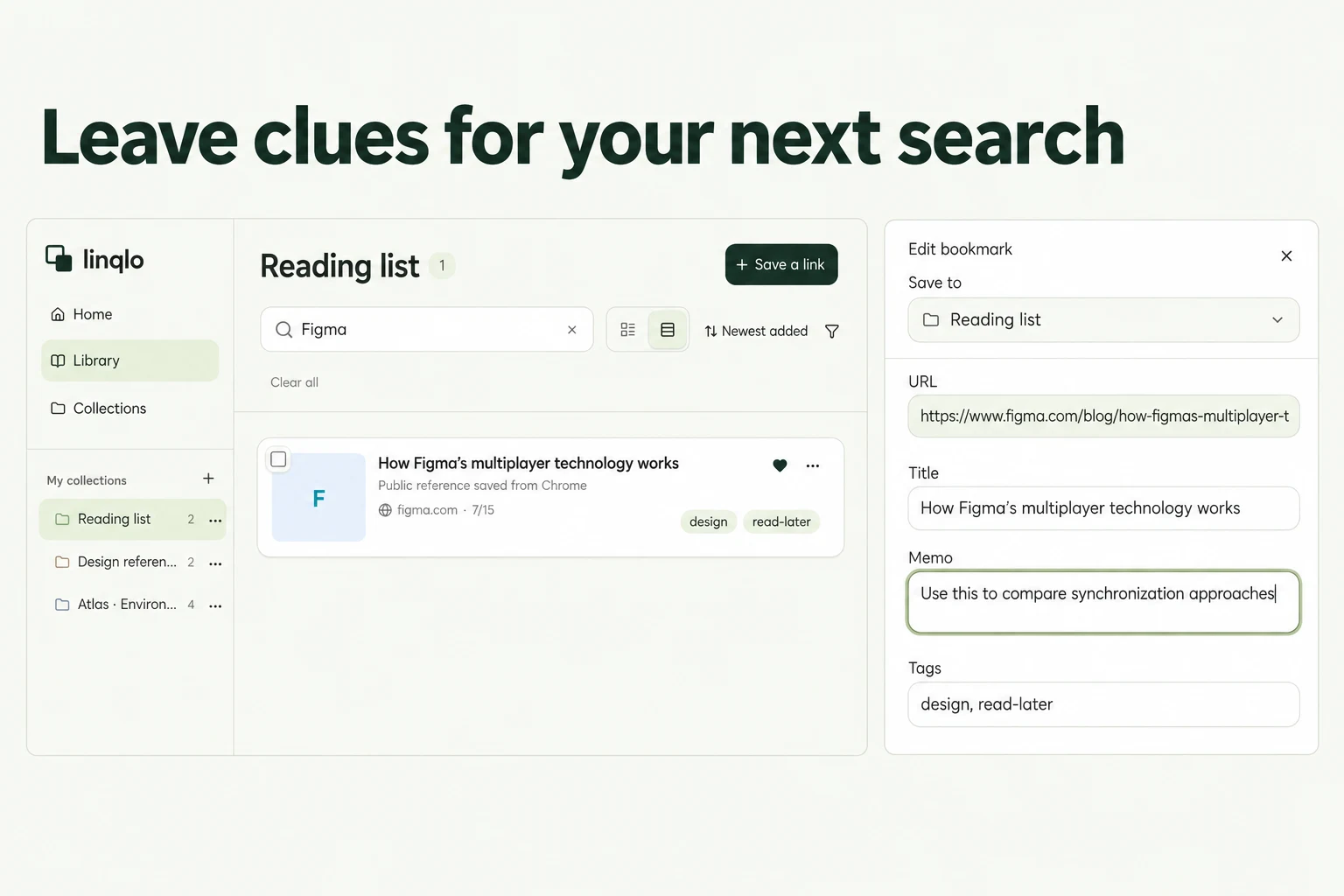
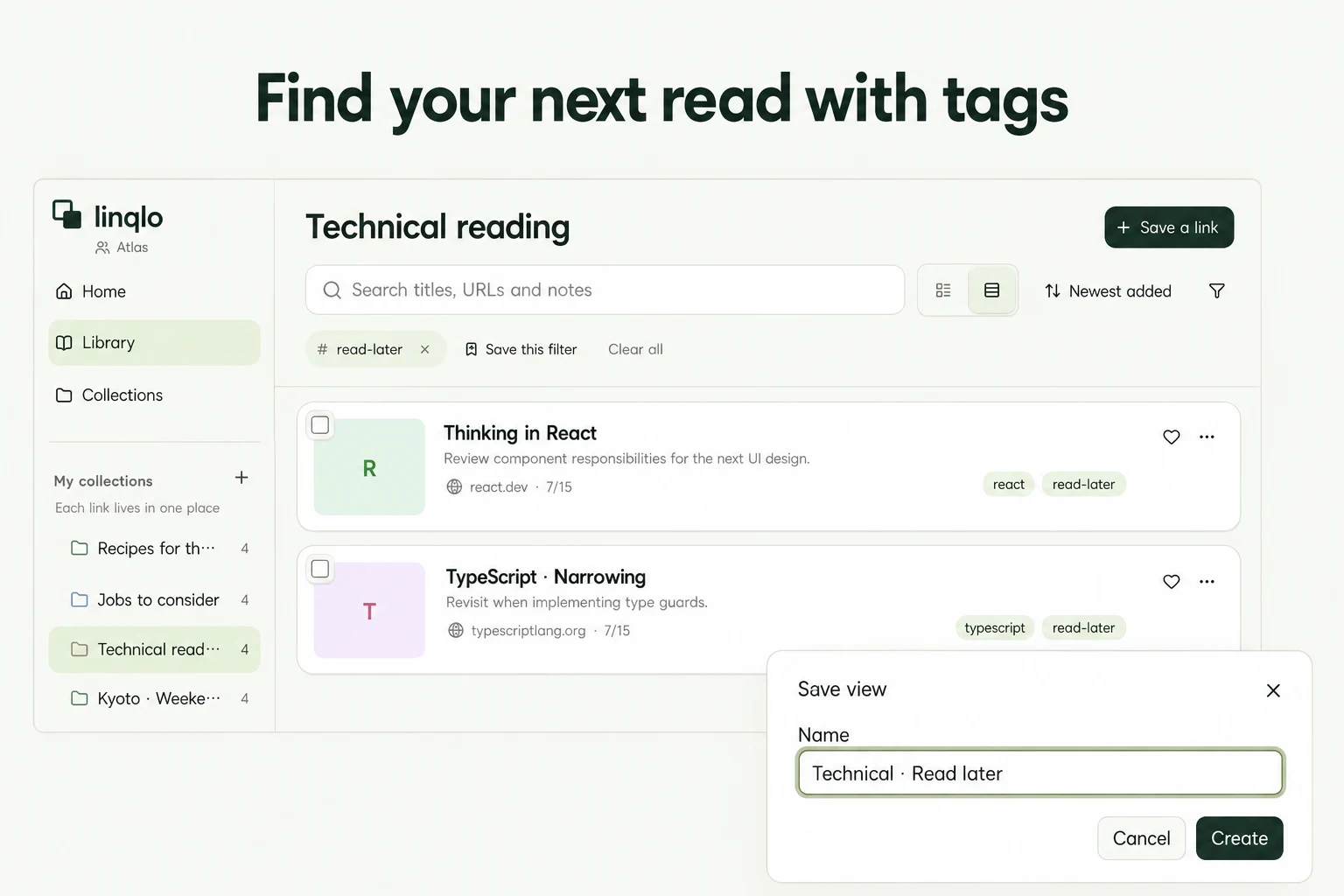
For you
A smaller read-later list: choose three articles for this week
When your read-later list feels too large to open, choose just three articles for the coming week. Add when you might read each one and what you want to use it for. A small shortlist in linqlo gives you somewhere to start, without making you sort every link you have ever saved.

Generated editorial illustration, not a linqlo interface.
The decision that uses up your reading time
You have ten spare minutes, open your saved links, and spend most of them choosing. The list contains a long essay, a practical tutorial, and a background report. All seemed worth keeping, but each asks for a different kind of attention.
A weekly shortlist moves that choice to a quieter moment. Pick for the time you actually have and the questions currently on your mind. Three is a useful starting limit, not a target you have to meet. On a crowded week, choose one.
Match an article to a real occasion
Start with something you expect to do this week: explain a proposal on Friday, sort photographs over the weekend, or prepare questions for a meeting. Prioritize articles whose connection to that task you can put into words.
Then look at your available time. Ten minutes on a train may be enough to get the idea; trying a technique may need half an hour at your desk. Reading and applying are different commitments.
Write your own estimate after glancing at the article: “about 10 minutes” or “30 minutes, including practice.” These are planning notes, not reading times calculated by linqlo. If an estimate turns out to be wrong, change it. There is little value in spending your reading time predicting it perfectly.
Leave the reason beside the link
Create a collection called “This week's reading” and save the article URLs. You can also work with links you have already saved. Save the URL first, then edit the saved link to fill in “Memo”; use “Detailed entry” if you prefer to add the information while saving.
Keep the article recognizable in its title. “Whitespace in diagrams | proposal reference” is easier to recognize later than “Read this.” A useful note can be as short as these three lines:
- Use it for: the task or question that made me save this
- Time: my estimate and a likely reading occasion
- After reading: something to try or check
If you use tags such as “this-week” and “reference,” add and remove them yourself. You only need enough structure to tell which links you intend to open now.
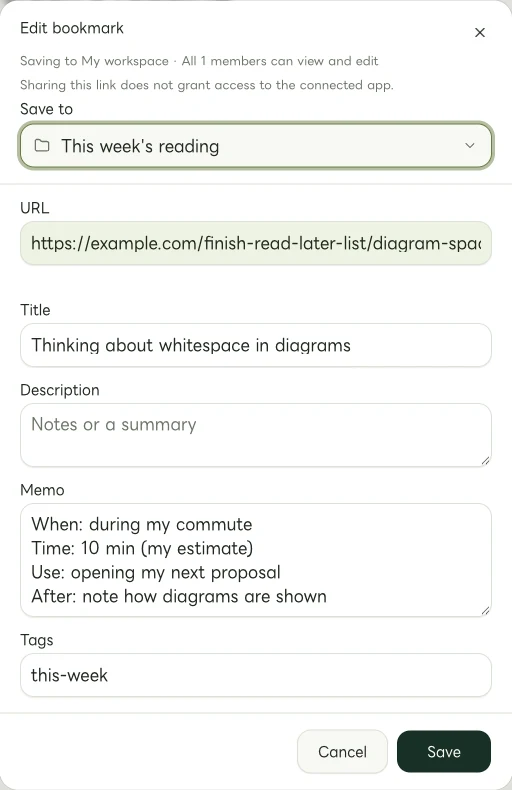
Actual Web edit dialog with fictional example links. The memo and tags are entered manually.
What a three-article shortlist could look like
This hypothetical example follows someone preparing an internal proposal for Friday. The article titles and schedule are invented for illustration.
“Thinking about whitespace in diagrams” gets a ten-minute slot during a commute. The note reads: “Use it for: the opening diagram in the proposal. Time: 10 minutes on the train. After reading: try one change to the layout.” The task is small enough to carry back to the draft.
“Practice writing shorter headings” gets fifteen minutes at lunchtime. Instead of simply browsing the examples, the reader plans to write two alternative headings for the first slide. Putting that in the note makes the next action clear before the article is opened.
“Reworking a document's structure” gets thirty minutes at the weekend. It will inform the next project, rather than Friday's proposal. That distinction belongs in the note too. A weekly shortlist can include something worth exploring slowly, as long as the reason is clear.
A longer background report stays available as reference. It is not a failed reading assignment. It serves a different purpose from the three articles selected for this week.

Generated illustration using three selected picture cards to represent a weekly reading shortlist. It is not a linqlo interface.
Finish with one line you can use
After reading, write a useful takeaway rather than trying to produce a complete summary. “Leave more space around the diagram and move its explanation closer” is a reason to return to the article. “Interesting” tells your future self much less.
Stopping partway through can also be a sensible outcome. You might write, “The first section answered my question” or “This approach does not fit the current draft.” Finishing every article need not become a second job.
Remove the “this-week” tag manually when you are done, or change it to something like “try-next.” If you carry an article into another week, revisit the reason. A link that keeps rolling forward may need a specific trigger: “Open when preparing a longer report.”
At the end of the week, look at the notes on your shortlist before looking at the size of the backlog. One idea used in your work or everyday life is a worthwhile result from a saved link.
Related guides
Put the guide into practice.
Create a free account to get started. No credit card needed.
Start organizing for free