For your team
Compare business software beyond the pricing page
Software comparisons are easier to finish when you define the requirements before gathering product links. In linqlo, save the relevant feature documentation and data-export guidance alongside pricing, then separate what the provider describes from what your team has actually tested.

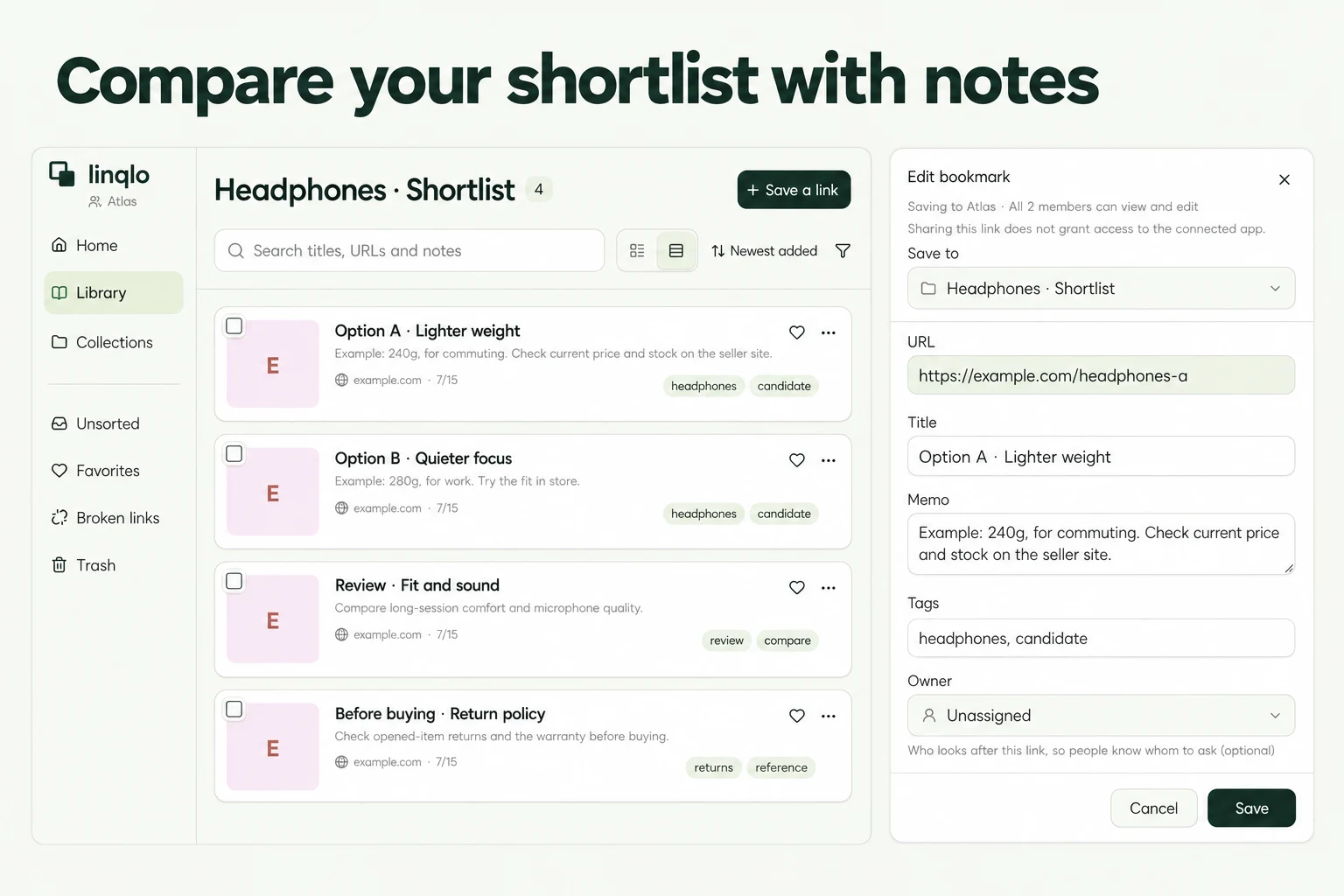
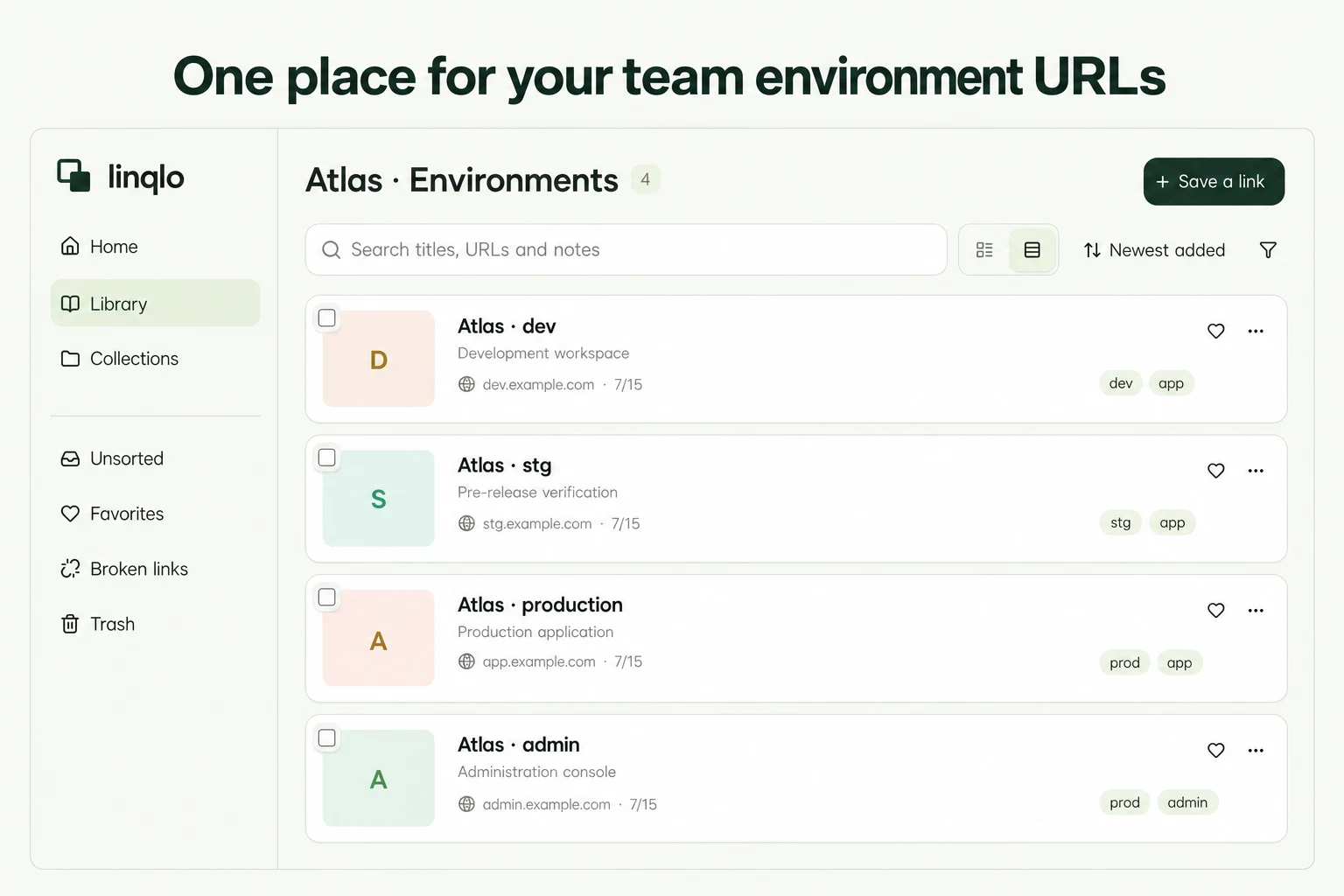
AI-generated illustration, not a comparison of real products or the linqlo interface.
Set three requirements before opening the shortlist
Starting with attractive screens or monthly prices can lead to a late discovery that a tool cannot provide the data your existing work depends on. Write down the conditions needed to keep that work running.
Our fictional example is a class operator looking for a booking tool. Three staff members need to use it, and the current process exports booking data as CSV for another task. Candidates A, B, and C are fictional services, not product recommendations or a report of real trials.
The team’s requirements are: three staff members can perform the necessary operations; the required fields can be exported as CSV; and the current booking-change process remains workable. Keep nice-to-have features separate. “CSV support” alone does not establish which columns are available, so name the fields you need in advance.
Collect four kinds of official source for each candidate
Create “Booking tools · Pre-purchase comparison” in an appropriate existing team workspace. For each candidate, save the relevant sources:
- Feature documentation: how the actual work, such as changing a booking, is handled
- Pricing and plans: users, billing units, and plans containing the required features
- Export help: file format, available fields, and conditions for exporting
- Terms and cancellation guidance: duration, ending the service, and data handling at the end
Save the URL first, then edit titles into a pattern such as “A | Data export” and “A | Pricing and user limits.” To fill in fields before saving, choose “Detailed entry.” The collection groups this particular selection exercise; the titles identify the candidate and each source’s purpose.
If a required condition is not documented, leave it marked “Unknown.” Do not infer support from a similar phrase just to complete your comparison.
Record the gap between a feature claim and a usable workflow
A memo beside A’s export guide might read as follows. All details, including the provider’s description, are fictional:
Requirement: Export booking date, booking slot, and booking count as CSV
Official description: The linked page describes CSV export
Still unknown: Whether those three fields are included; applicable plan and user conditions
Tested: Not tried. No hands-on verification yet
How to check: In an authorized trial environment, use fictional bookings to inspect the exported fields
Source checked: 2026-10-03 (example date)
Conclusion: The requirement is not yet verified
A documented feature name does not establish that it works under your intended conditions. If a trial is appropriate, use an authorized environment and synthetic data rather than uploading real customer records. Signing up for a trial or entering an agreement is a separate decision from organizing these references.
After testing, record the plan, the operations checked, and the fields produced. Avoid reducing the result to “Works.” A small example does not establish performance with large datasets or different usage conditions.
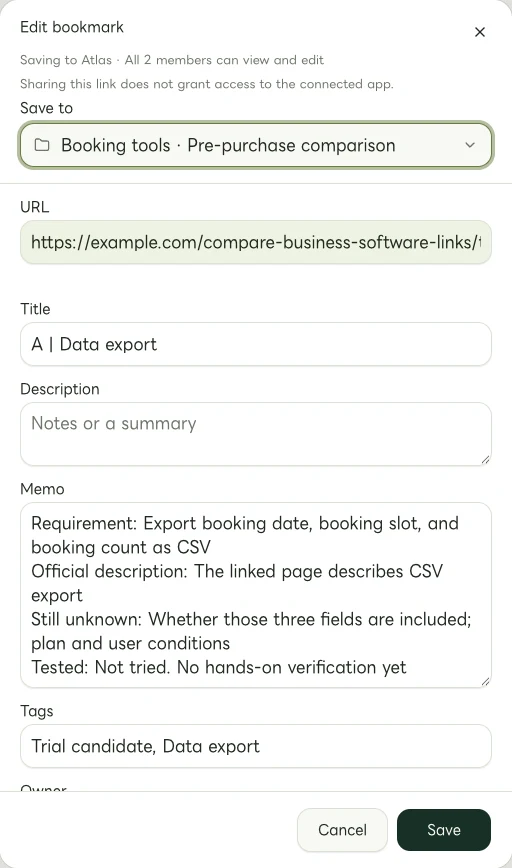
Actual Web edit dialog showing a fictional example.com link. The memo and tags are examples of manually entered information.
Give each candidate the next check it actually needs
Once you have three candidates, you do not need to keep reading all their pages equally. In this fictional example:
| Candidate | Current evidence | Next check |
|---|---|---|
| A | Official help describes CSV export | Required fields and applicable plan |
| B | Export conditions were not found on the official page | Look for official guidance or ask the provider |
| C | A plan is named, but user conditions are unclear | Conditions and cost calculation for three staff members |
This is an illustrative, manually prepared table, not research into real services or an automatic linqlo comparison. None of the candidates has been tried.
A needs the conditions for a useful test, B needs basic documentation, and C needs clarity on users. Manual tags such as “Trial candidate” and “Clarify conditions” can point to those different next steps.
Return to current sources before deciding
After narrowing the options, check current official pages or formal answers from the provider instead of deciding from the memo alone. Align the number of users and billing units, required plan, contract duration, renewal, cancellation, and data-export or deletion conditions. Your organization’s relevant reviewers should also check its information-handling requirements using suitable evidence.
The collection is not a price or contract table that updates itself. A check date records when someone read the source. It does not make an older note current.
A useful first comparison does not have to end with the cheapest winner. If you can distinguish verified requirements from the unanswered questions blocking a decision, you know which source to read or which question to take to a provider next.
Related guides
Put the guide into practice.
Shared workspaces are included in the paid Team plan, from two seats.
See team plans and pricing