For you
Save recipe links with notes that help you choose what to cook
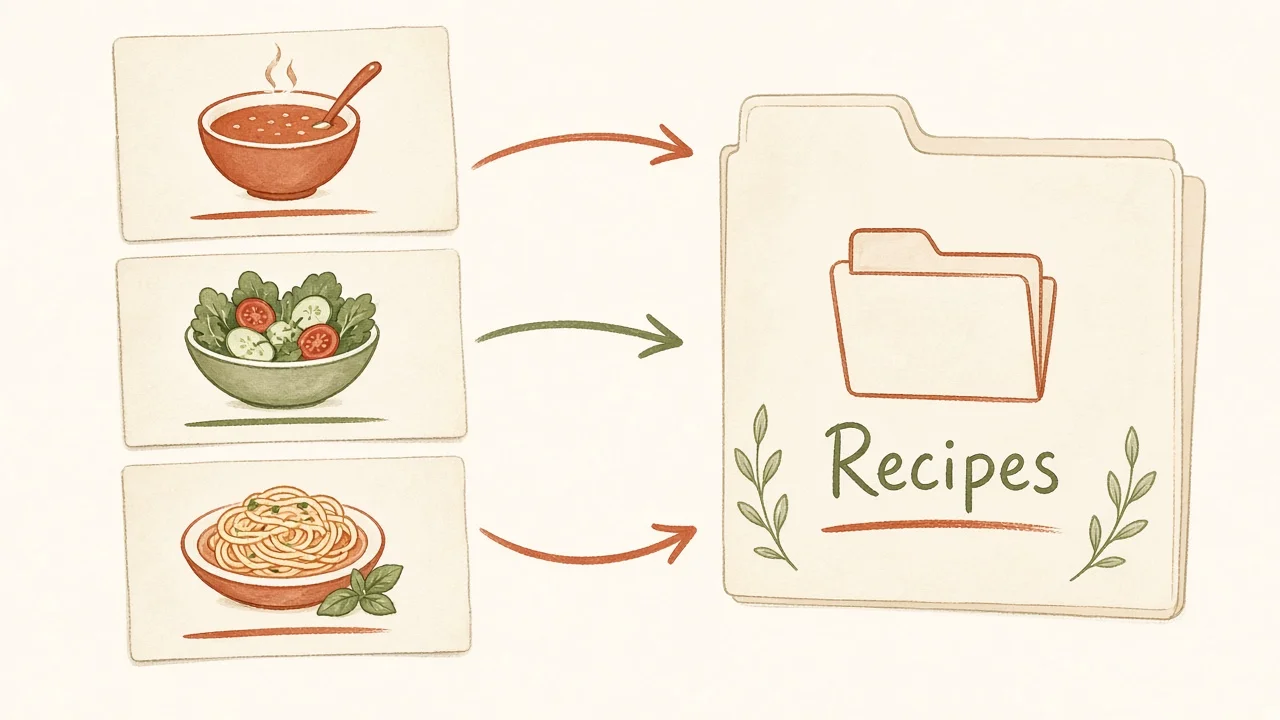
Save a recipe with the occasion you want it for, the number of servings and the equipment it needs. Those details make a saved recipe useful when you are choosing dinner. In linqlo, collect the original URLs and use consistent notes for each option. Open the source recipe for ingredients and instructions before cooking.
Start with a meal you actually need to make
Rather than reorganizing every recipe you have ever saved, choose one situation: “Weeknight dinner for two, with manageable prep and cleanup.” A dish that looks delicious but needs an overnight soak can then move to the weekend list.
Check what a recipe's stated time includes. Thawing, marinating, rising and preheating can change whether a meal fits your evening. Record an unanswered question if the source is unclear instead of treating the headline time as the full commitment.
Compare three options for the same evening
These are fictional notes to illustrate the method, not recommendations for actual recipes.
| Option | Conditions checked in the recipe | Decision for this meal |
|---|---|---|
| One-pan chicken | Serves 2; 30 minutes including prep; needs a pan with a lid | Equipment is available, so keep it for this week |
| Bean stew | Serves 4; dried beans need an overnight soak | Too late for tonight; consider it at the weekend |
| Oven-roasted vegetables | Serves 2; 25 minutes baking; preheating time unclear | Check preheating before choosing it for a weeknight |
The comparison gives each recipe a useful next step. If you change the serving count, consult the source about quantities and cooking adjustments rather than assuming everything scales in the same way.
Build a small recipe collection in linqlo
- Create a collection named for the occasion, such as “Weeknight dinner ideas.”
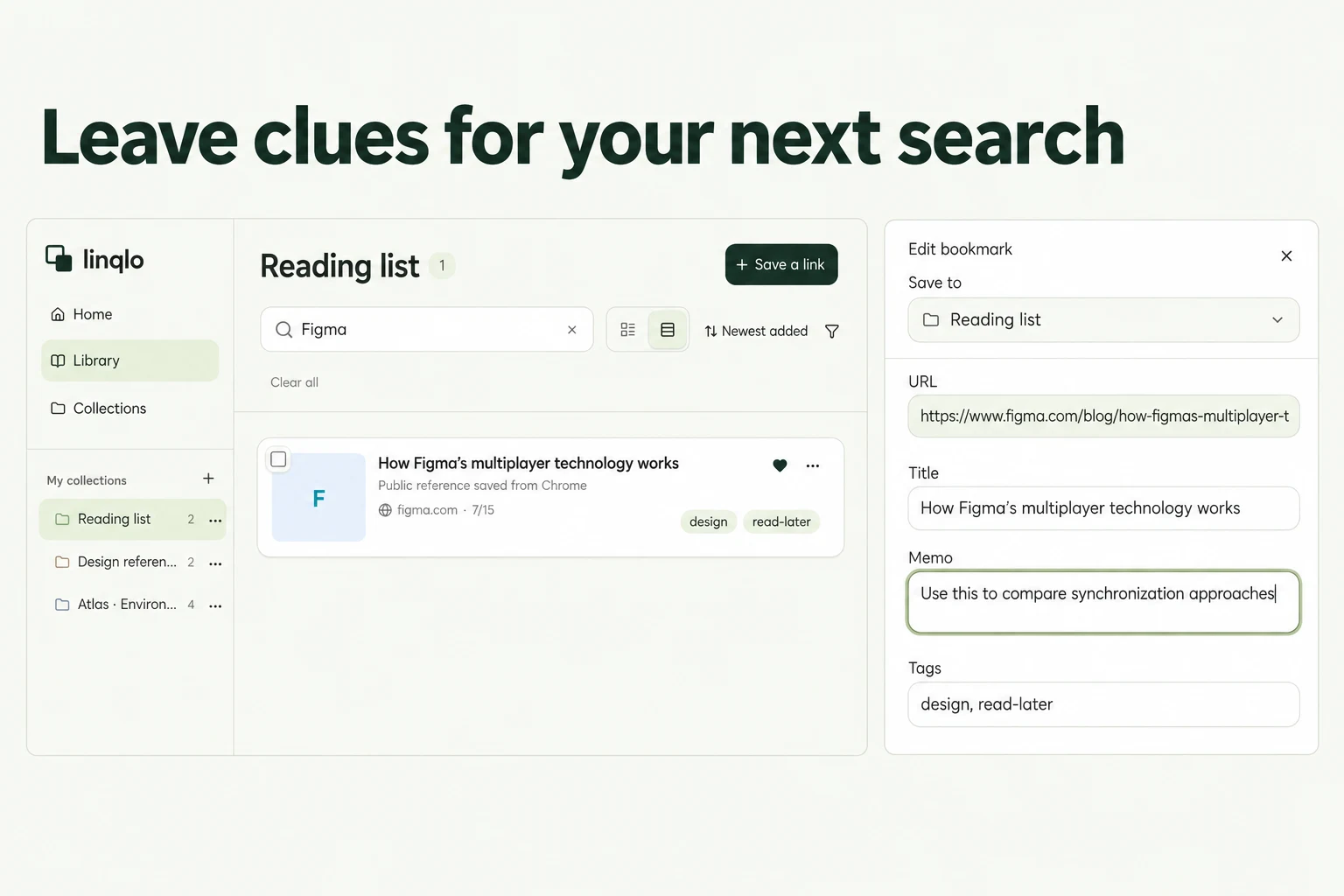
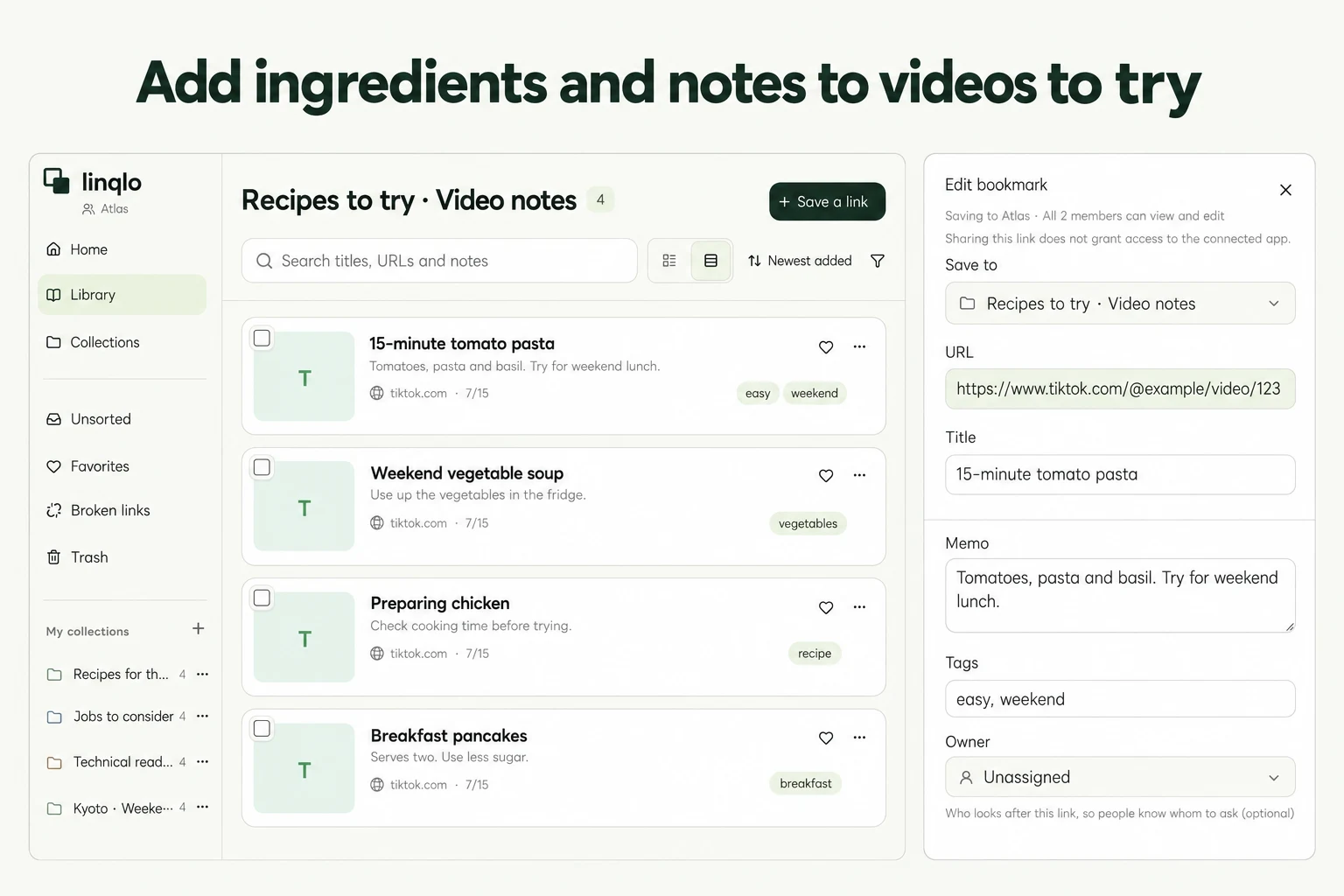
- Save two or three public recipe-page URLs. You can save the URL first, then edit the title to make the dish easy to recognize. Use “Detailed entry” if you want to enter details before saving.
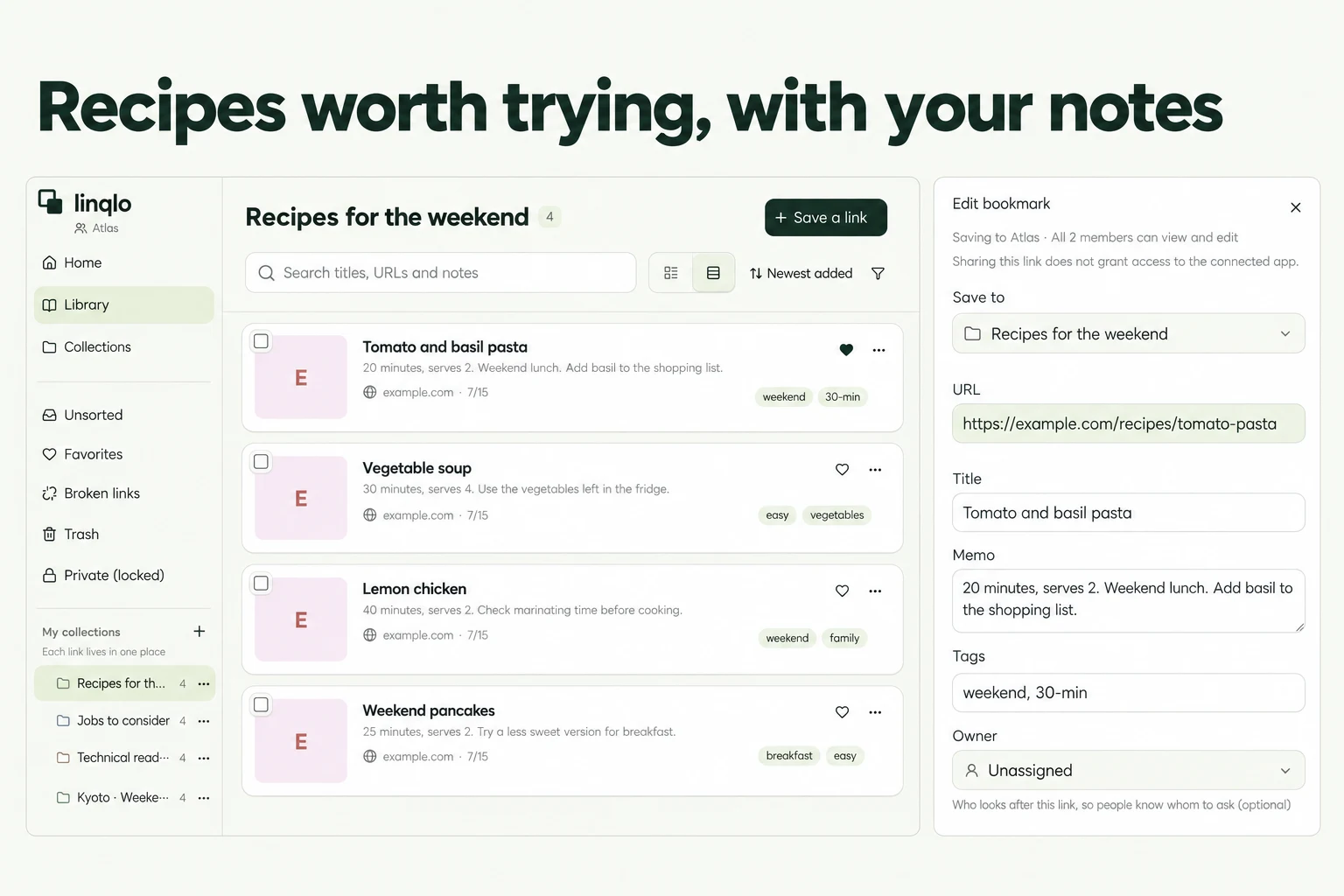
- In “Memo,” add servings, time breakdown, equipment and why you chose it. You do not need to copy every ingredient. Note what you need to buy or check.
- Add your own tags, such as “Cook this week” and “Try at the weekend.” Filter by a tag when choosing a meal, then read the notes beside your options.
Actual linqlo Web editor with a separate fictional recipe example from those in the comparison table.
These tags are labels you maintain yourself. “Cook this week” does not create a calendar entry or notification. Before shopping, open the original recipe and check ingredients and equipment for the intended number of servings.
A recipe note you can reuse
- Occasion: Weeknight dinner, weekend lunch or another specific meal
- Servings: Original number and the number you plan to make
- Time: Preparation, waiting and cooking time
- Equipment: Required pan size, oven or other tools
- Why save it: Uses an ingredient on hand, suits a one-pan meal, or another reason
- Check before cooking: Missing ingredients or unclear instructions
- After cooking: Actual time taken and one thing to remember next time
A short note might say: “Dinner for two. Needs a lidded pan. Check the seasonings on the original page before shopping. Confirm whether I can start the prep after getting home.” That is enough to explain what still needs doing.
Do not rely on a short note to establish that a recipe is suitable for an allergy. Check relevant ingredient labels and source information. Keep the original cooking and storage instructions available rather than replacing safety-relevant details with a summary.
Leave one useful line after cooking
Add something you can use next time: “Prep took longer than expected,” or “Get the equipment out first.” To distinguish tested recipes, manually add a “Cooked” tag and remove “Cook this week.”
Your cooking notes and the source recipe serve different purposes. This workflow keeps reference URLs and your own observations. If a source changes, disappears or requires a subscription, check its current access conditions.
For a dish discovered in a video, see saving TikTok video links. If recipes are getting lost among other bookmarks, revisit how to use collections and tags.
Put the guide into practice.
Create a free account to get started. No credit card needed.
Bring your links together for free