For you
Organize parenting resource links by source and eligibility
Organize parenting resources by recording who each page applies to and what you need to check. Keep official local-service and facility pages in a linqlo collection, clearly separated from personal-experience articles. The result is a set of reliable starting points for checking current information when you need it.
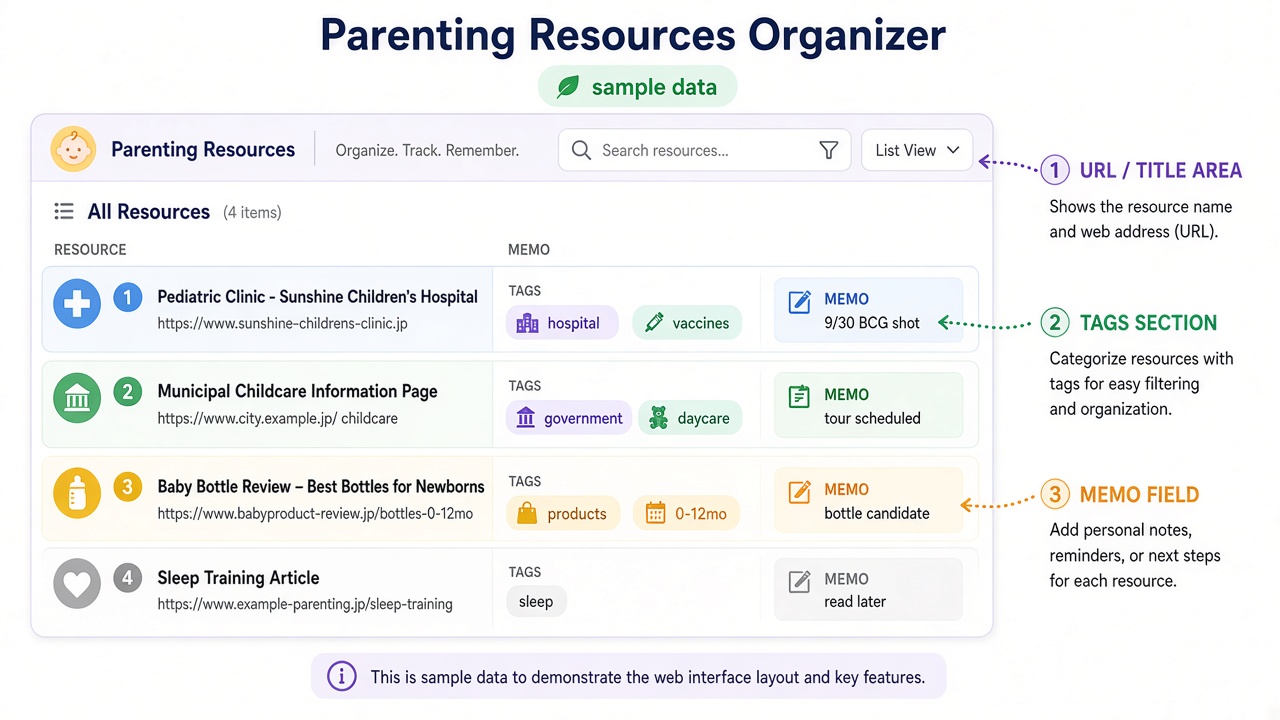
Actual linqlo Web collection with fictional URLs, titles, tags and notes for illustration.
Start with the question you have now
Collecting everything related to parenting can make a list difficult to use. Choose one current task, such as researching childcare visits, checking local support information or finding the official guidance for a weekend activity.
Different sources have different roles:
| Source | Why keep it? | What to check |
|---|---|---|
| Official local-authority page | Read eligibility and application guidance | Relevant year, area, audience and application period |
| Facility’s official page | Check visits or how to use the service | Current notices and contact route |
| Parent’s personal story | Think of questions to ask | Date, location and the fact it is one person’s experience |
When a story raises a useful point, turn it into a question for the facility. Another family’s experience is not evidence of the current rules.
Save the public page and its scope
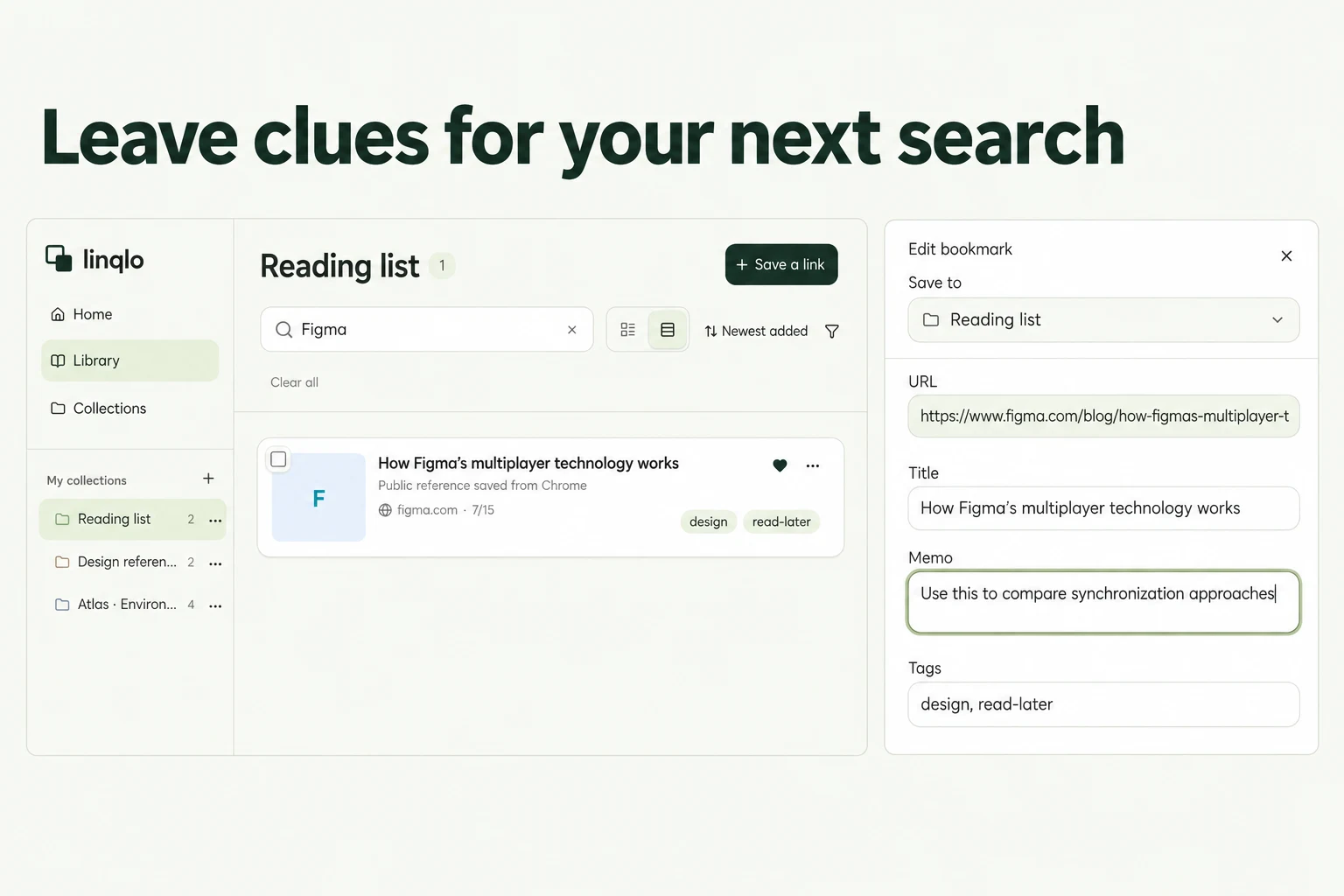
Choose your personal workspace in linqlo and make a collection such as “Parenting references.” Save the public URL first, then edit the title, memo and tags. “Detailed entry” is available if you want to fill in the fields before saving.
Use identifiable titles such as “Area | Childcare information” and “Facility | Visiting guidance.” Tags like “Official guidance,” “Facility” and “Reading” distinguish source types; a manual “To check” tag can identify your next reading. Keep only distinctions you expect to use.
Actual linqlo Web editor with fictional example.com data. The date checked, stated conditions and unconfirmed visit availability are entered manually in Memo.
Use public guidance as the entry point rather than personal application or booking-confirmation URLs. This list can work without children’s names, birth dates, medical histories or application numbers.
Example: prepare questions before a childcare visit
This fictional example does not describe the rules or availability of a particular location.
Suppose you save the local authority’s childcare guide, facility A’s visiting page and an article about someone’s visit. Read the official guidance for the area and application route. Facility A explains how to inquire about visits, but you have not established whether your preferred period is available.
Instead of “Looks good,” write:
- Role of the page: facility A’s official visiting guidance
- Applies to: the area and conditions stated on the page
- Checked: the date you read the original
- Known: an official inquiry route is listed
- Unknown: whether visits are offered during the preferred period
- Next action: check the visit process with the facility’s official contact
If a personal story mentions something to bring or a particular process, add “Does this still apply?” to your questions. Keep confirmed guidance distinct from material that helped you think of questions.
Before applying, recheck eligibility, dates and the submission route on the official page. Saving a link or applying a “Checked” tag does not complete an application.
Keep schedules and personal records separate
Put confirmed appointments into your usual calendar when you need reminders. Writing a date in the memo does not set a notification. Handle personal booking details and documents through the facility’s specified process rather than adding unnecessary personal information to this reference collection.
A clinic’s official page can provide an entry point for contact and appointment information. Do not use this organizational example to decide individual healthcare or vaccination schedules; confirm those matters with the relevant healthcare provider or official guidance.
When reviewing the collection, check four things:
- Is this the relevant location or facility?
- Are the year, eligibility details and application period still current?
- Can you distinguish official guidance from personal experience?
- Does each open question lead to a clear next action?
If a move changes the sources you need, use moving-reference organization. For collection and tag choices, see bookmark organization.
Put the guide into practice.
Create a free account to get started. No credit card needed.
Start organizing for free