For you
Organize camping and outdoor gear candidate links with notes
Save product pages, campsite booking and facility pages, packing-list articles, and gear reviews for tents, tarps, sleeping bags, pads, stoves, cooksets, tables, chairs, lanterns, and coolers—then find them quickly by use or season. Record weight, capacity, weather rating, price range, packability, rent-or-buy choice, and notes from the last trip in memos, and filter with tags like "tent," "sleep," "cook," "site," "lightweight," or "must-buy." This is for organizing camping and outdoor gear candidates as links—not hotel or sightseeing trip research, not a general shopping price-comparison tool, not automatic trail routing, not inventory or price sync, and not permanent page archiving.
What you need
Set up a linqlo account and a device with internet access. First, verify that you can select the same workspace in the web version. The Free plan has a storage limit of 500 items. Check the remaining capacity and current pricing on the pricing page. Knowing party size, season, car vs. public transit, and whether rentals are an option makes shortlisting easier.
Example
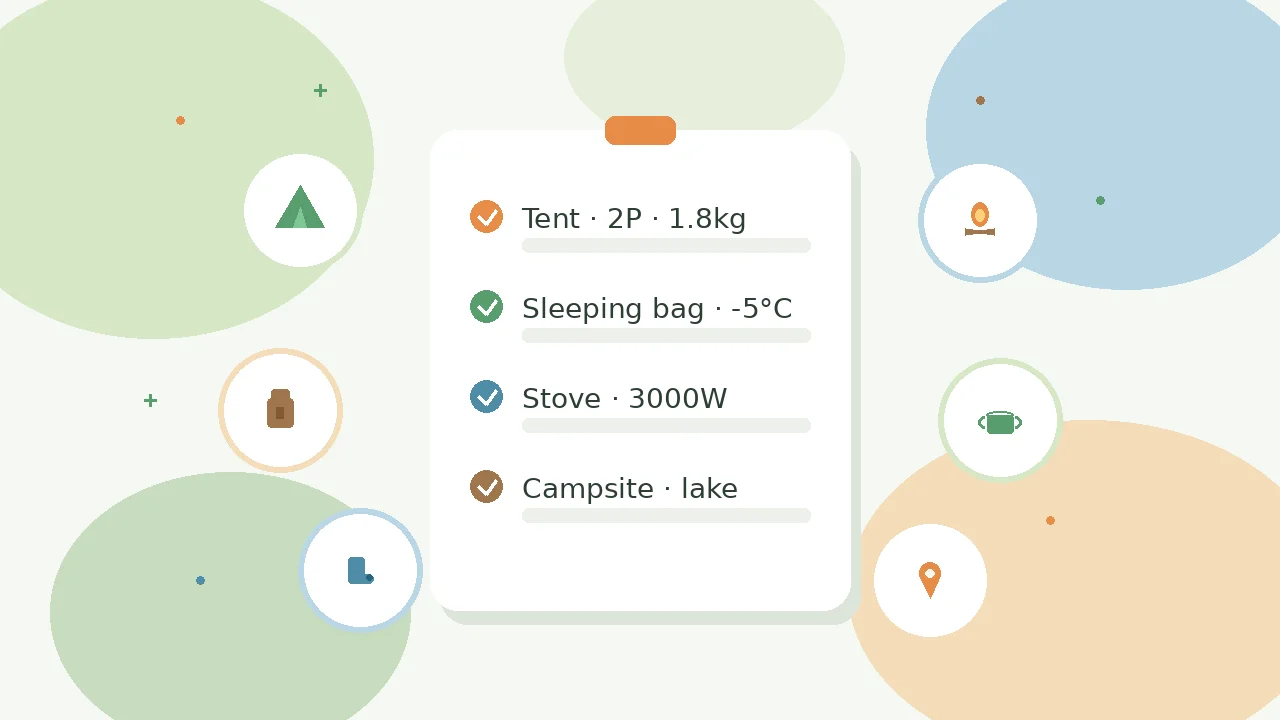
A collection called "Weekend camp gear" or "Lakeside autumn camping" with a 2-person tent, a sleeping bag, a stove, a lantern, a campsite booking page, and a packing reference article. Tags like "tent," "sleep," "cook," "site," "lightweight," and "must-buy" help you find candidates quickly. Keep weight, comfort temperature, setup effort, site number, and check-in time in memos.
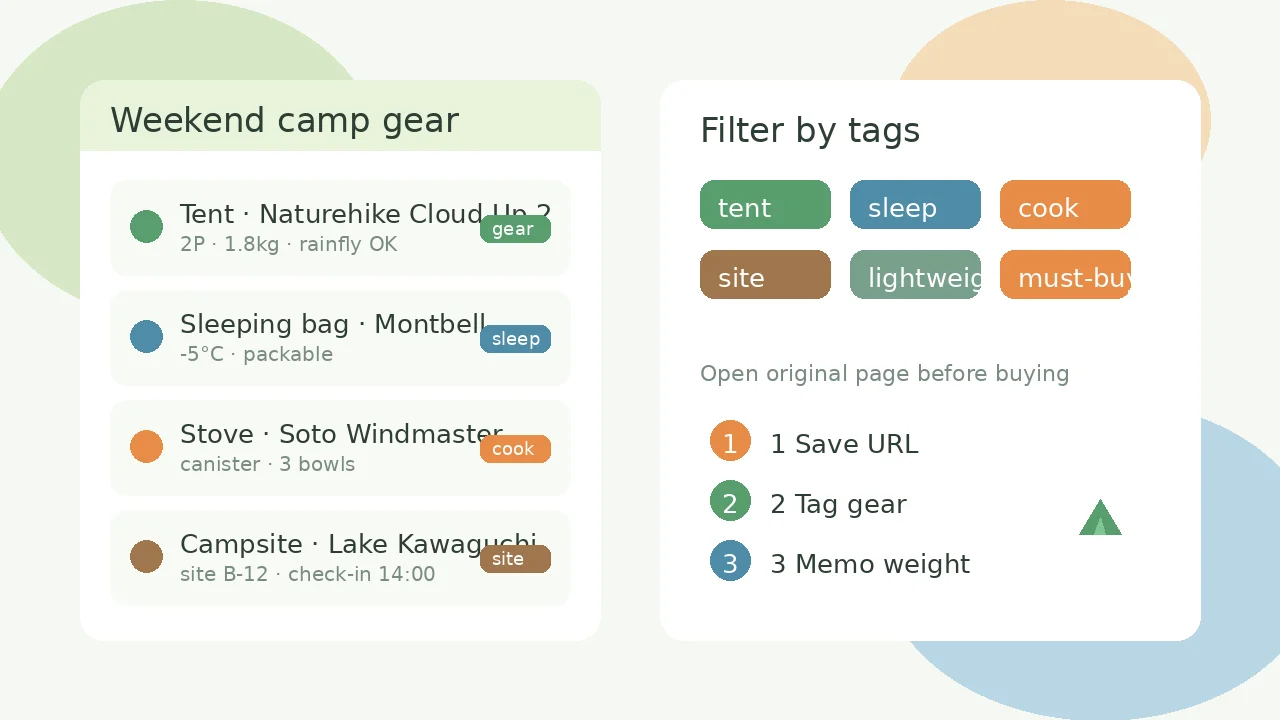
Explanatory illustration showing camping and outdoor gear candidates with weight and site memos (sample data for illustration).
The cover image and the diagram above are explanatory illustrations for demonstration purposes. These are not actual product screenshots, but illustrative diagrams with enlarged operation areas, numbers, and arrows added, displaying fictional sample data.
Steps
1. Create a collection for camping gear
Create a collection named "Weekend camp gear," "Lakeside autumn camping," or "Family camping checklist" to gather gear candidates.
2. Save gear and campsite URLs
Save 3–5 URLs for tent, sleeping bag, stove, table, or lantern product pages, campsite booking and facility pages, gear reviews, and packing-list articles. Save by pasting the URL and verify that the page title appears in the list.
3. Tag by use and priority
Add tags like "tent," "sleep," "pad," "cook," "light," "site," "lightweight," "rental," "must-buy," or "finalist." Apply multiple tags to the same page to make filtering easier later.
4. Record weight, capacity, and season in memos
Record weight, capacity, waterproof or comfort-temperature ratings, rough setup time, price range, rental fees, notes from the last trip, and site number or check-in time. Leave cues like "tent 2P 1.8kg," "bag -5°C," or "site B-12 14:00" for packing and departure day.
5. Filter by tag and open when needed
Combine "tent" and "lightweight" to surface candidates, compare stoves and cooksets under "cook," or open booking pages under "site." Always check the original page for the latest stock, price, and facility details before buying, booking, or leaving.
When you can't find or save
If you can't find an item after saving, check your account, workspace, and collection in that order, remove any unnecessary search or tag filters, and reload the list. If you see a failure message or disconnection, verify that the same URL isn't already saved before retrying. If you're not logged in, log in and then recheck the save destination and URL. If shared content doesn't reappear, copy the URL again from the original site and add it manually.
Capabilities and limits
This is for organizing candidate URLs for camping gear and campsites. It does not provide hotel or sightseeing trip planning, automatic lowest-price shopping comparison across categories, trail routing, weather forecasts, automatic store inventory or price sync, or checkout/booking placement. Save publicly available product, review, and booking pages, and open the original page when you need the latest information. This is not permanent archiving of page content, so discontinued products or deleted pages may make URLs inaccessible. Stock, pricing, and campsite availability change frequently, so always verify on the original site before buying, booking, or departing.
FAQ
Can I automatically import candidates from retailers or campsite booking sites?
No. This guide covers saving and organizing camping-related URLs. There is no automatic sync with specific shopping apps or booking sites. Save product and booking page URLs individually for items you want to keep.
Will product specs and photos stay permanently once saved?
This guide covers saving and organizing URLs. If a retailer deletes a product, updates specs or price, or changes public access, the URL may become inaccessible due to changes on the original site. This is not permanent archiving of page content.
Can linqlo build hiking routes or pull weather automatically?
linqlo is not a trail planner or weather app. This guide covers organizing gear and campsite candidate links and simple notes. For routes or forecasts, use dedicated apps alongside official information.
Can I share a camping gear collection with trip mates?
Yes. If your pricing plan supports team features, you can share collections with specific people. However, this guide focuses on organizing a personal gear shortlist. See the pricing page for details on collaboration features.
Getting started and related guides
If you're not registered, you'll need to create an account. If you're already logged in, verify your workspace before starting.
Put the guide into practice.
Create a free account to get started. No credit card needed.
Start organizing for free