For you
Save gardening advice with its growing conditions
When you save gardening advice, note the plant, region, season, and whether the article discusses containers or plants in the ground. Keeping those details beside the link in linqlo gives you a way to reconsider whether the advice fits your own conditions when you return to it.
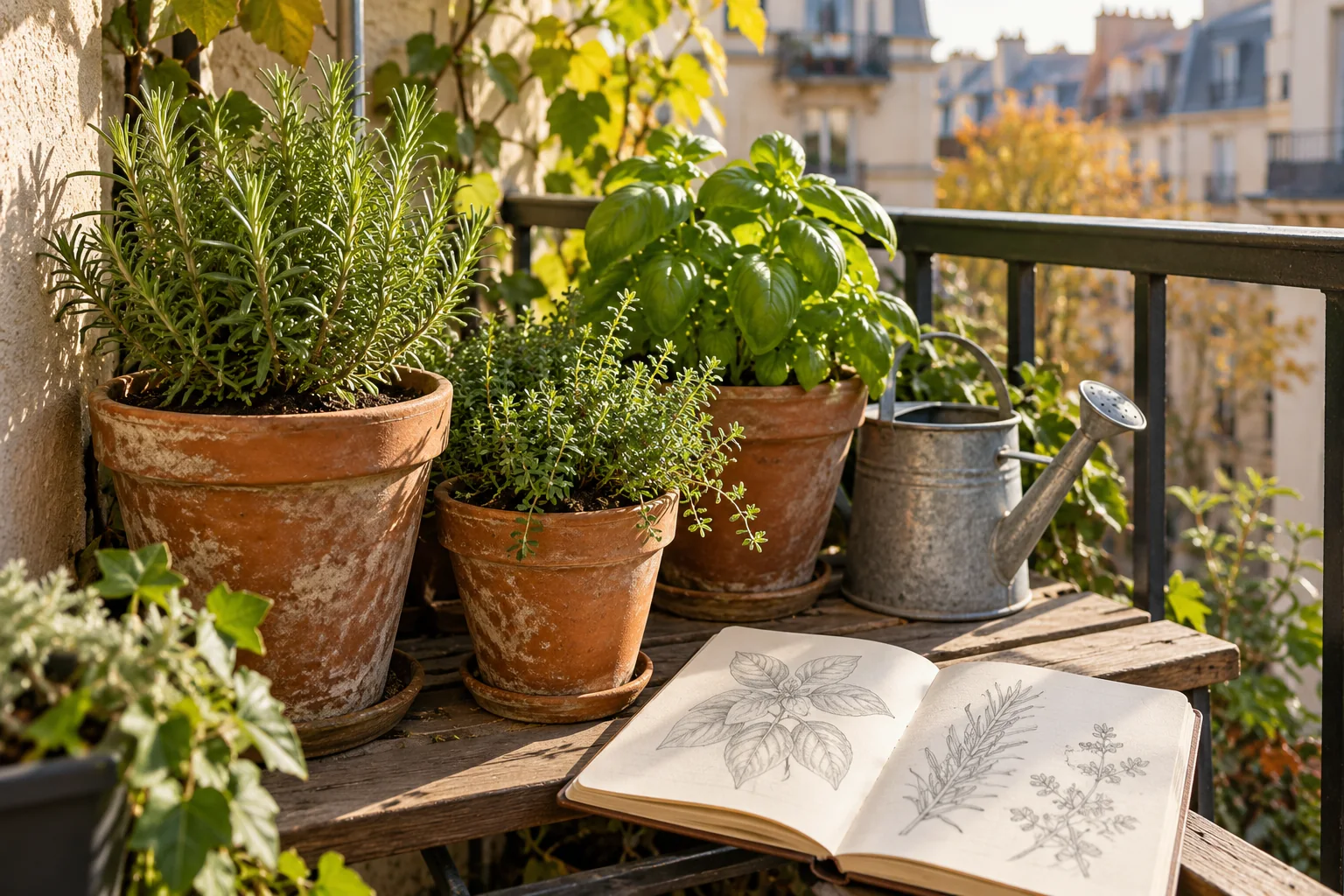
AI-generated editorial image of gardening references. It does not give care instructions for a particular plant or depict the linqlo interface.
A title such as “Spring care” does not tell you whose spring it describes or how the plant is being grown. A few lines of context help you keep a useful source without losing the conditions that make it relevant.
Improve a note that only says “Do this in spring”
Consider this hypothetical example of researching a balcony plant in a pot. Both the source and home conditions are invented; this is a note-writing example, not a growing recommendation.
Suppose your old note says only “Repot in spring.” It does not tell you which source it came from, which plant and conditions it concerns, or whether you have already done it. Next year, it might look like an instruction you had checked for your own plant.
Rewrite it with the missing context:
Reference: an article about planting. Source conditions: a warm region and planting in the ground, in this fictional example. At home: a balcony container. I observed some morning sun; seasonal changes have not been checked. To verify: the plant and cultivar I actually have, plus guidance for containers. No work date decided.
Now the source can stay useful without silently turning into your task list. The point is to notice a possible mismatch in conditions. If you cannot find the article's region or assumptions, write “Not found in the source” rather than filling them in from a guess.
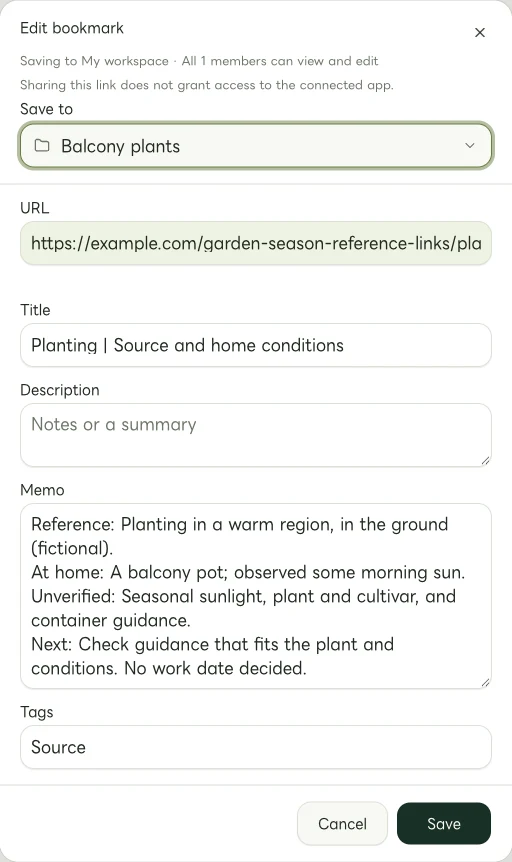
Actual Web edit dialog showing a fictional example.com link. The memo and tags are examples of manually entered information.
Build a useful reference for one plant
Check the plant label or supplier's information for its name and, where available, cultivar. Compare that with the plant described by the source so that a shared common name does not send you down the wrong path.
In linqlo, save URLs in a Collection such as “Balcony plants.” Use “Detailed entry” or edit after saving to add titles and Memo entries. “Plant name | Position” and “Plant name | Seasonal care” tell you both the subject and why you saved the page.
Look for sources with a clear publisher, such as the supplier, a botanic garden, or an appropriate public horticultural resource. You do not need separate links for planting, position, and seasonal care if one good source answers the questions. Add material when it fills a gap, rather than saving several versions of the same explanation.
If you use tags, distinguish conditions such as “Container” from actions such as “Check position.” Apply them manually. A month in an article title should not automatically become your own gardening deadline.
Separate the source from what you observed
After reading, you may want to record what happened with your own plant. Give source guidance and personal observations separate lines in Memo.
For example: “Home observation: looked at the leaves the day after changing the pot's position. Too soon to judge a change. Date: the day I actually observed it.” That records what you saw. One change does not establish that moving the pot caused an improvement. A resemblance to a photograph in an article is not enough to establish the same condition either.
Three lines can keep this distinction clear:
- Source: plant, region, season, growing method, and date checked
- At home: container or ground, position, and what you actually observed
- Next check: what is still unclear for your conditions, and where to ask or look
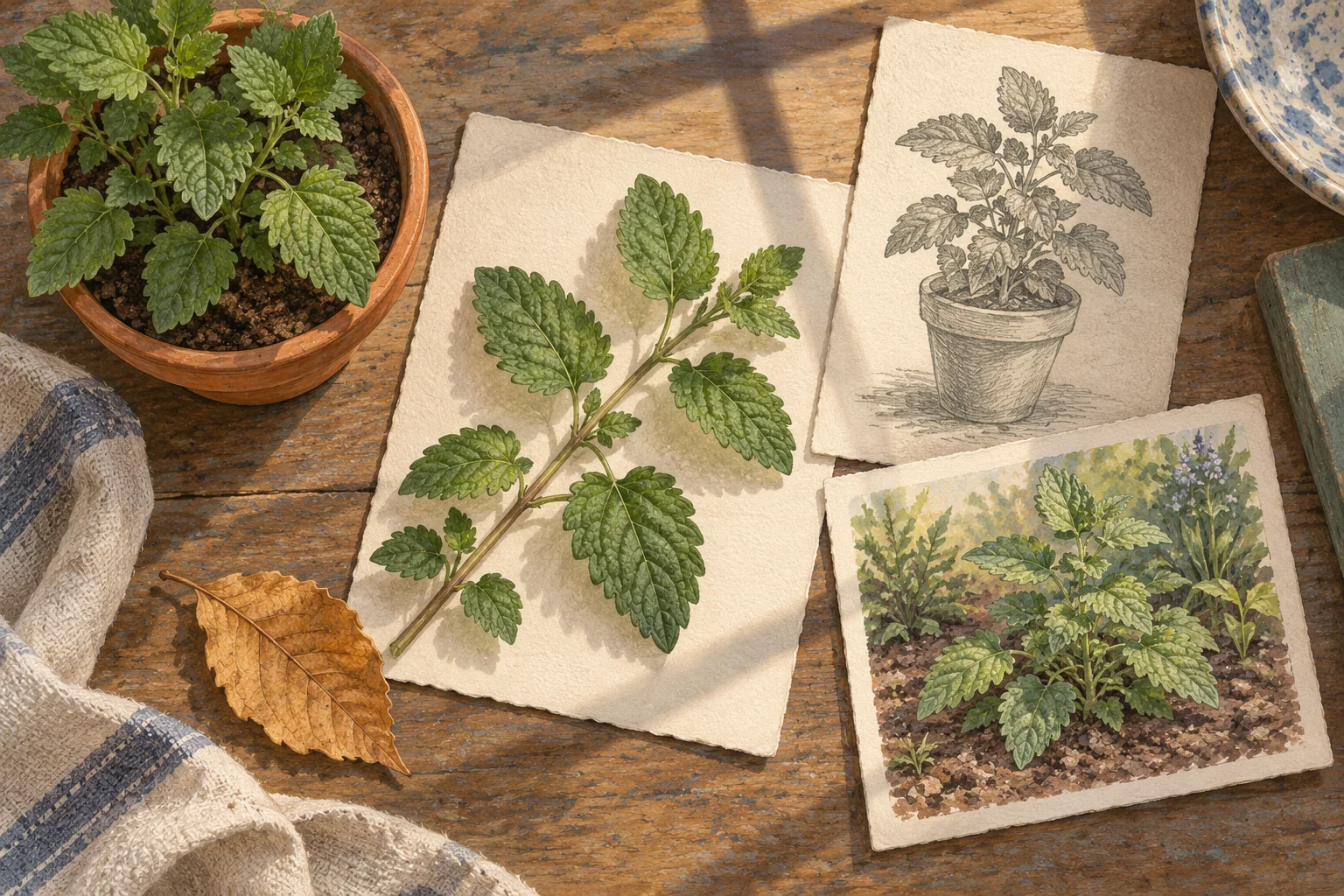
AI-generated illustration for thinking about plants and growing conditions. It is not a plant-identification or diagnosis diagram.
Revisit the assumptions when the season changes
The sunlight you noted on a balcony earlier may not describe the current conditions. When revisiting seasonal advice, check the plant's identity, present location, and the conditions the article covers before turning an old note into a task.
If you want to remember a review date, put it into your usual calendar yourself. Your linqlo tags and notes can tell you what to check when that day comes.
Organizing references does not settle questions about fertilizers, pesticides, or an unwell plant. For those decisions, seek suitable, trustworthy information for the actual plant and conditions, or ask its supplier.
A useful gardening note makes its assumptions visible. Before adding another seasonal article, see whether the one you already saved says what the source assumes and how your setup differs.
Related guides
Put the guide into practice.
Create a free account to get started. No credit card needed.
Start organizing for free