For you
Save design references with the detail you want to learn from
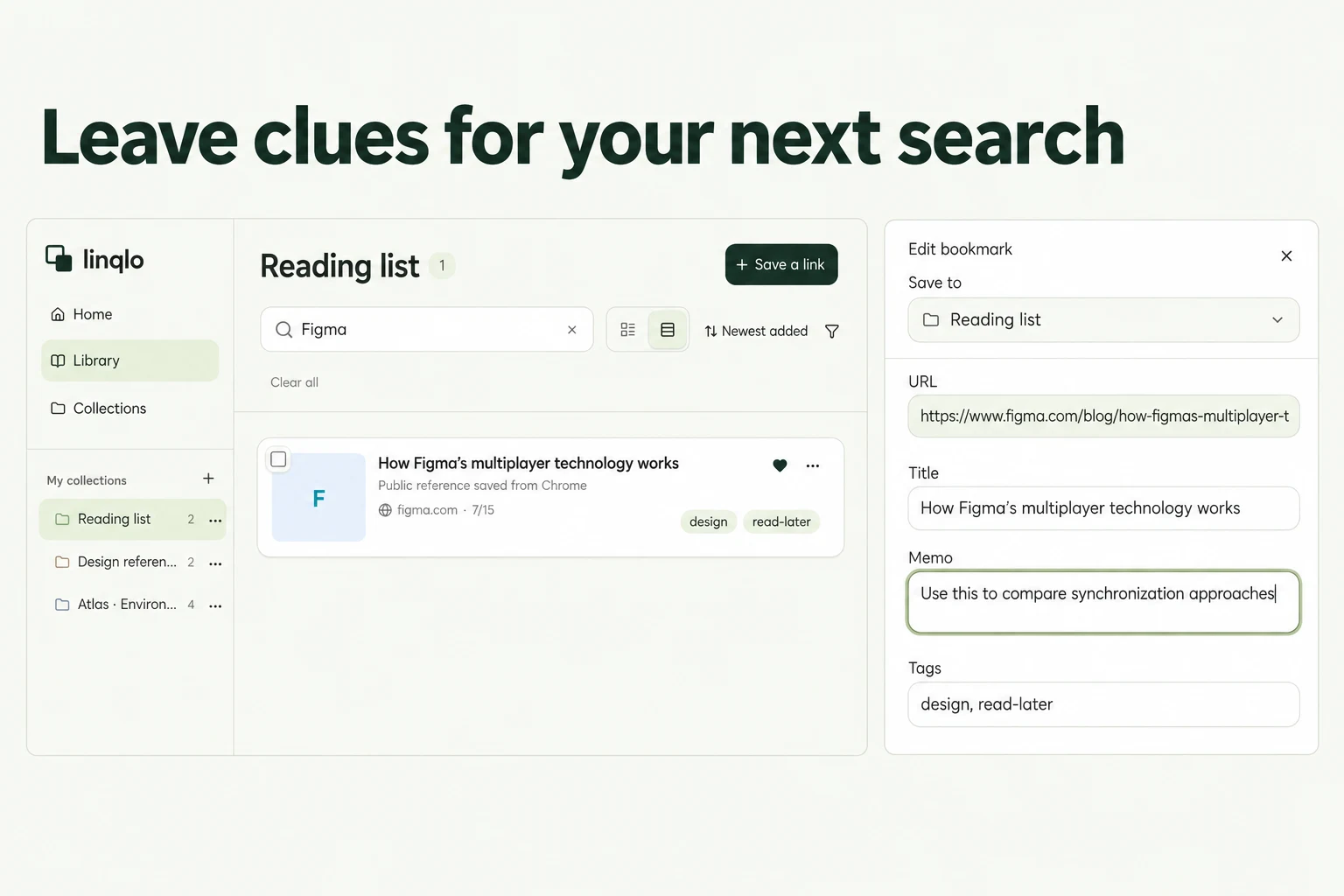
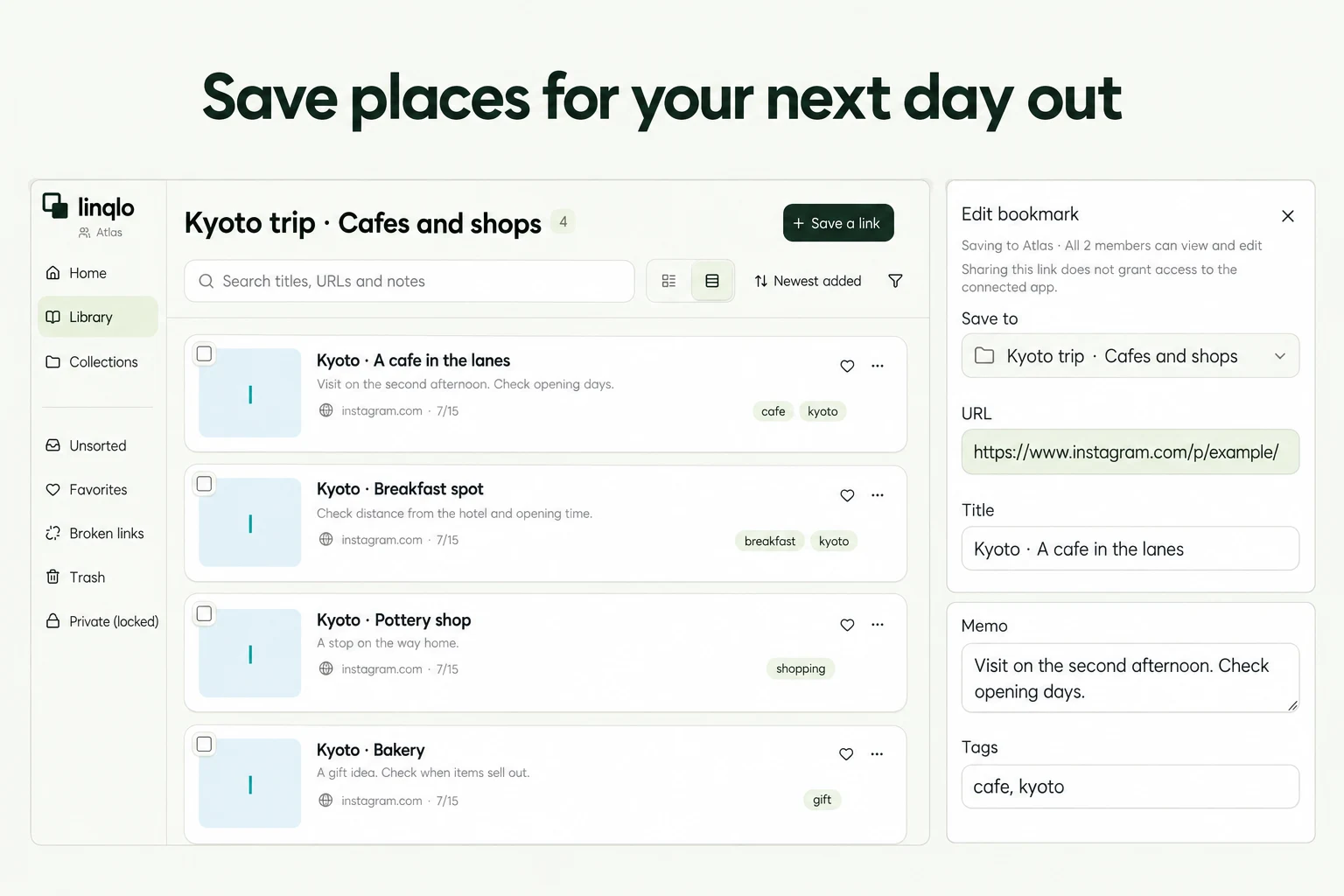
When you save a design reference, add one line about the detail you like and another about what you want to try. Keeping the page URL and your observation together in linqlo makes it easier to use the reference when you return to the project.
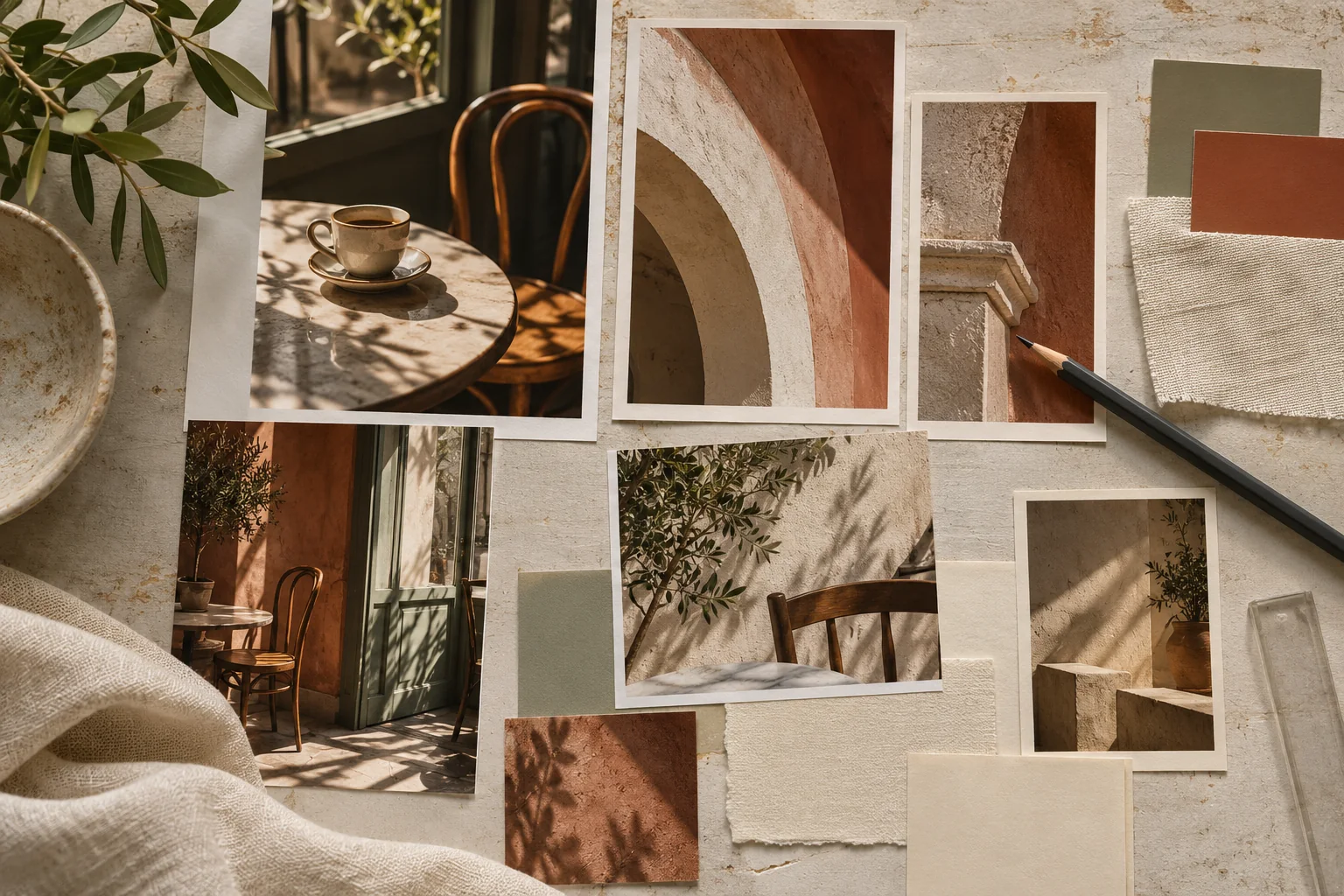
Generated illustration of gathering a visual mood. It does not depict a real website or a set of ready-to-use design assets.
Take “I like the atmosphere” one step further
A site can feel appealing before you have worked out why. Several days later, you reopen it and remember the feeling, but not the useful detail. The colors, photography, and type compete for attention all over again.
You do not need to analyze the whole page. Start with one observation: “The reservation link sits near the opening hours” or “The space around the photograph made the adjacent explanation easier for me to read.” Describing the relationship gives you something you can test in a different setting.
Choose one of four things to look at
For color, look at the role each color plays. Notice what is used for the background, body text, and important action. “I like the green” becomes more useful as “The restrained background made the reservation action easier for me to notice.” Keep untested effects framed as your observation.
For spacing, name the two things being separated. Is it the space around a photograph, between a heading and its text, or between two groups of information? “Generous whitespace” is less specific than identifying the relationship that caught your attention.
For navigation, look at what a visitor learns before moving on. After reading about the location, hours, or event, how can someone reach a booking or contact page? The button color alone does not explain why the route interested you.
For wording, look at which question it answers. Consider the explanation before an action and whether the destination is understandable. Record your impression without presenting it as measured evidence of how all visitors behave.
A hypothetical café event page
Imagine making a page for a café's weekend event. Reference sites A, B, and C below are fictional examples.
Site A is useful for the route to booking. “Looks clean” would be too vague to guide the project. A more useful note is:
Look at: the reservation link near the opening hours. Learn from: placing the next step after information needed to decide. Try here: put the registration instructions after the event time and capacity information.
Site B is a reference for headings. Instead of “Nice type,” write: “A short heading followed by one explanatory sentence made the information groups easy for me to follow.” Try that relationship, then write the words from the actual event details.
Site C is useful for photography: “The wide image shows depth in the room. For this project, choose an image that makes the event space understandable.” This is a more practical note than “Big photos.” Taking one relevant idea from each source gives the references distinct jobs in a single project.
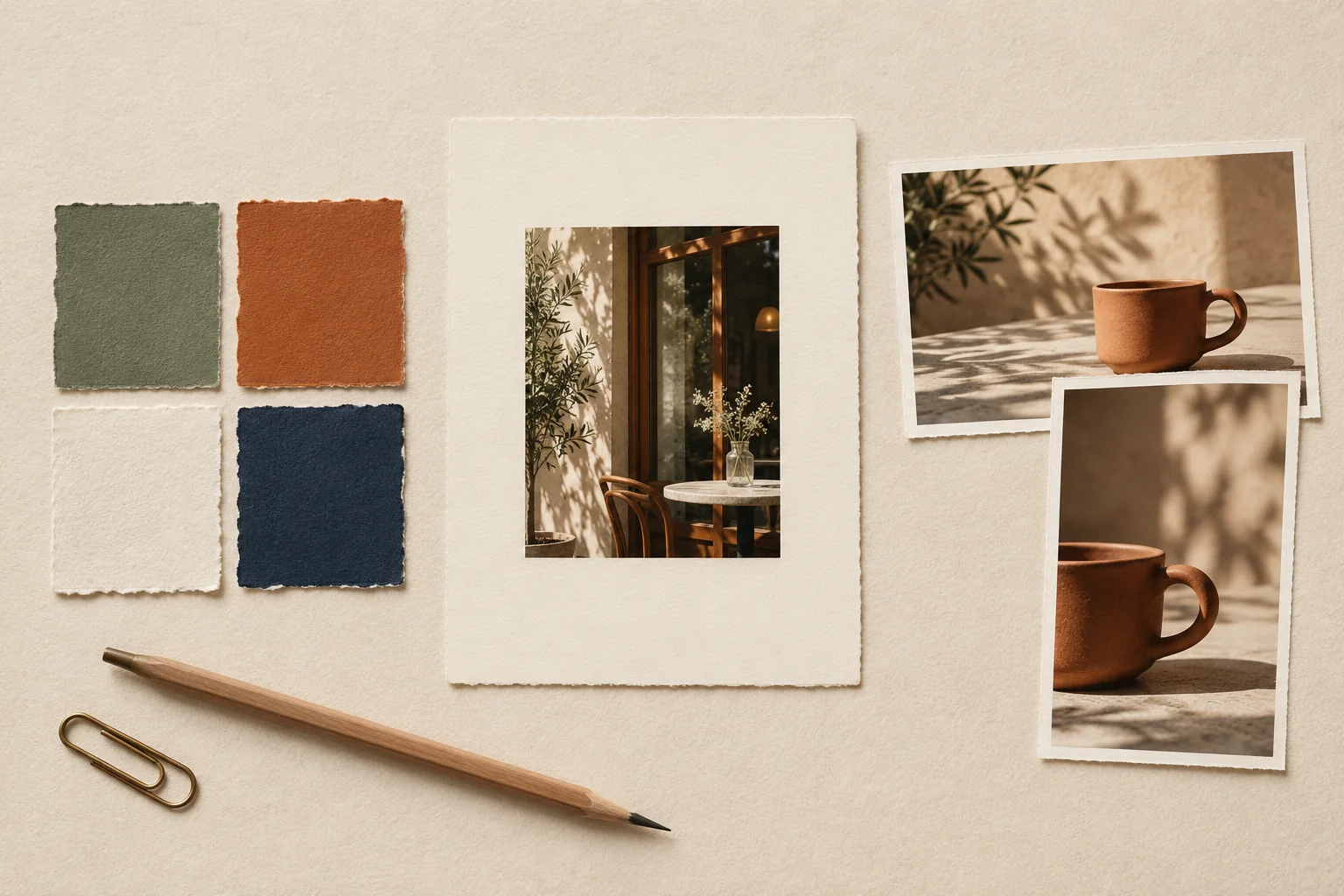
Generated illustration for comparing color, spacing, and image crops. It does not show test results from a real website.
Keep the observations with the project
Create a “Café event: references” collection in linqlo and save the page URLs. Save the URL first, then edit “Memo” to add your observations. Choose the page containing the detail you want to revisit, rather than a homepage that does not show it.
Titles such as “Site A | route to booking” and “Site B | headings and explanations” make the roles visible. You can manually add tags such as “navigation,” “copy,” or “photography,” using words you would naturally search for. A precise note about where to look is usually more helpful than a large set of tags.
If the layout depends on screen size, record the viewing condition: “seen on a phone” or “wide desktop layout.” That helps explain why the page may look different next time. Websites can also change, so reopen the source when you are ready to use the reference.
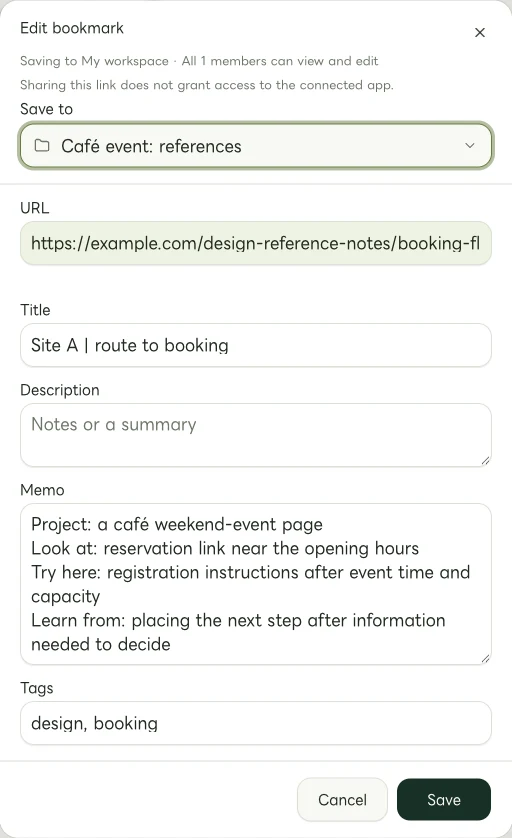
Actual Web edit dialog showing a fictional example.com link. The memo and tags are examples of manually entered information.
Test the idea with your own content
A layout that works well with one amount of text or one photograph may not suit your project. Check whether your event time and location are clear and whether the registration destination is easy to find. Return to the problem you wanted to solve, rather than judging only how closely the result resembles the reference.
If you want to reuse a source's photograph, writing, or other asset, check its usage conditions and any permissions needed separately. Saving a reference URL and publishing someone else's material are separate decisions.
After finishing, add what you actually used: “Kept the idea of placing the next step beside practical details. Changed the photo proportions to fit our material.” The collection then preserves your design reasoning, as well as the sites that caught your eye.
Related guides
Put the guide into practice.
Create a free account to get started. No credit card needed.
Start organizing for free