For you
Organize craft instructions so you can pick up where you left off
For each craft project, choose one set of instructions to follow from start to finish, then label the other links by what they help you understand. Keep them together in linqlo and leave a note about where to resume before you put the project away.
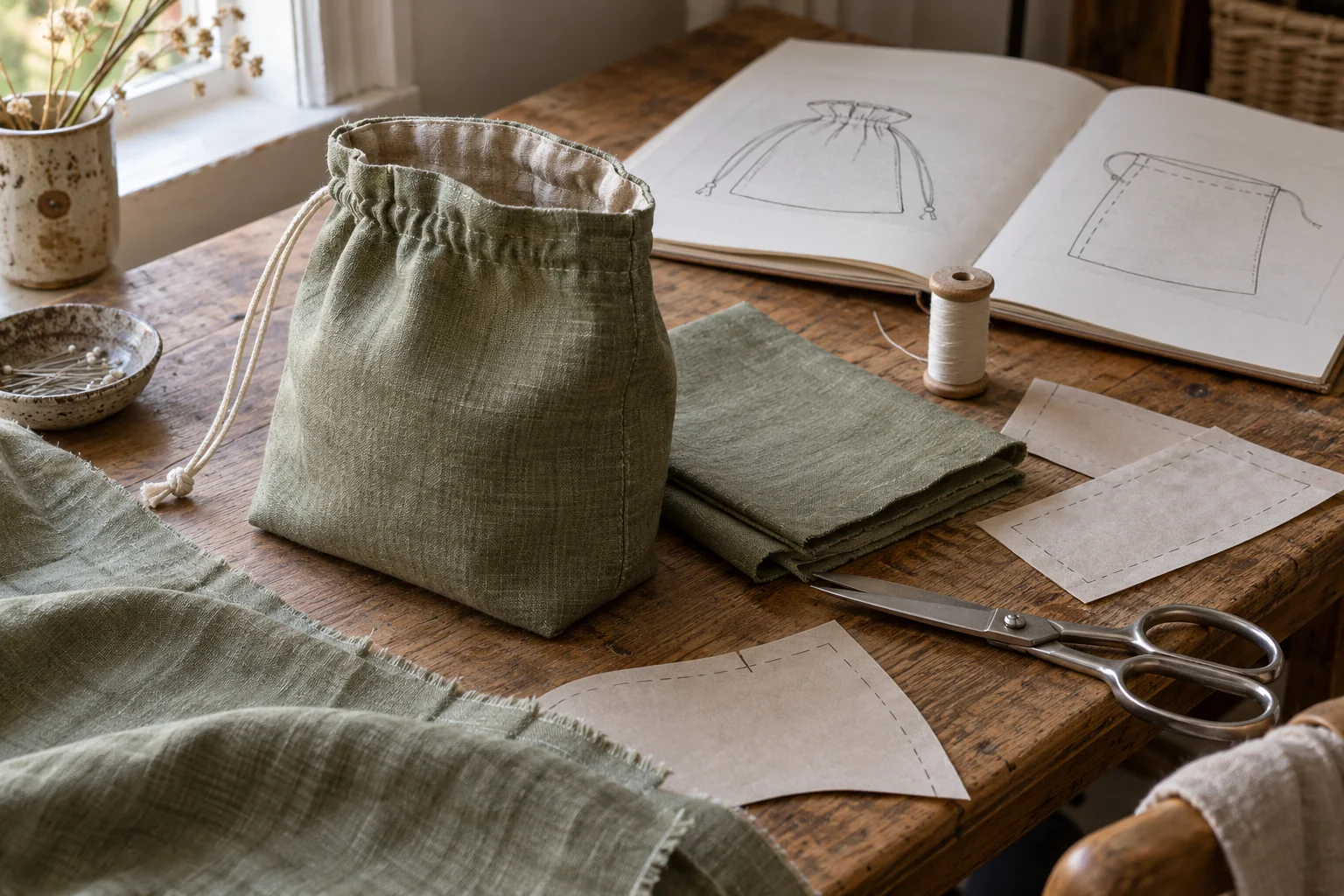
AI-generated editorial image of fabric crafts and reference materials. It is not a pattern for the tote in this article, a set of making instructions, or the linqlo interface.
The finished look might come from one article, a useful corner detail from a video, and the material specification from a shop page. All three can be helpful. Without clear roles, though, it is easy to mix dimensions or steps from different projects.
Choose the instructions that will hold the project together
For your main reference, look for the finished dimensions, materials, and complete sequence of work. A clear explanation of one step can be a valuable supplement without serving as the instructions for the entire project.
Give those supporting links a clear job. Add “Supplement” to a title and note which part of the main instructions it explains. Label a material specification as “Material check.” You will then know which link to open when you need a step, rather than ending up back on a product page.
A photograph that you like can be labeled “Finished-look inspiration.” Keeping that separate from the method you intend to follow helps you avoid switching projects halfway through.
A fictional reference set for a small fabric tote
The following example uses three imaginary public pages. It does not provide a real pattern or instructions for making the bag.
A is the main method. Suppose the page covers the whole project. Title it “Small tote | Main instructions” and write: “Use this page for finished dimensions and materials. Considering a change to the handle length; not decided yet.”
B explains a corner detail. Call it “Small tote | Corner supplement.” A note might read: “Look around 3:20 in the video. Before using it, check that this explanation fits the construction in A.” That timestamp is a manually written reference for this fictional example. It does not mean linqlo tracks video playback.
C describes the proposed fabric. Save it as “Small tote | Material specification.” Write: “Check fabric width and composition against the main instructions. Confirm the required amount after deciding on changes.” Do not silently substitute a material quantity from a different example project.
A controls the order of work. B and C answer specific questions. If a different method in B looks appealing, write down what you would change before adopting it. If the change is still unclear, resolve it before an irreversible step such as cutting material.
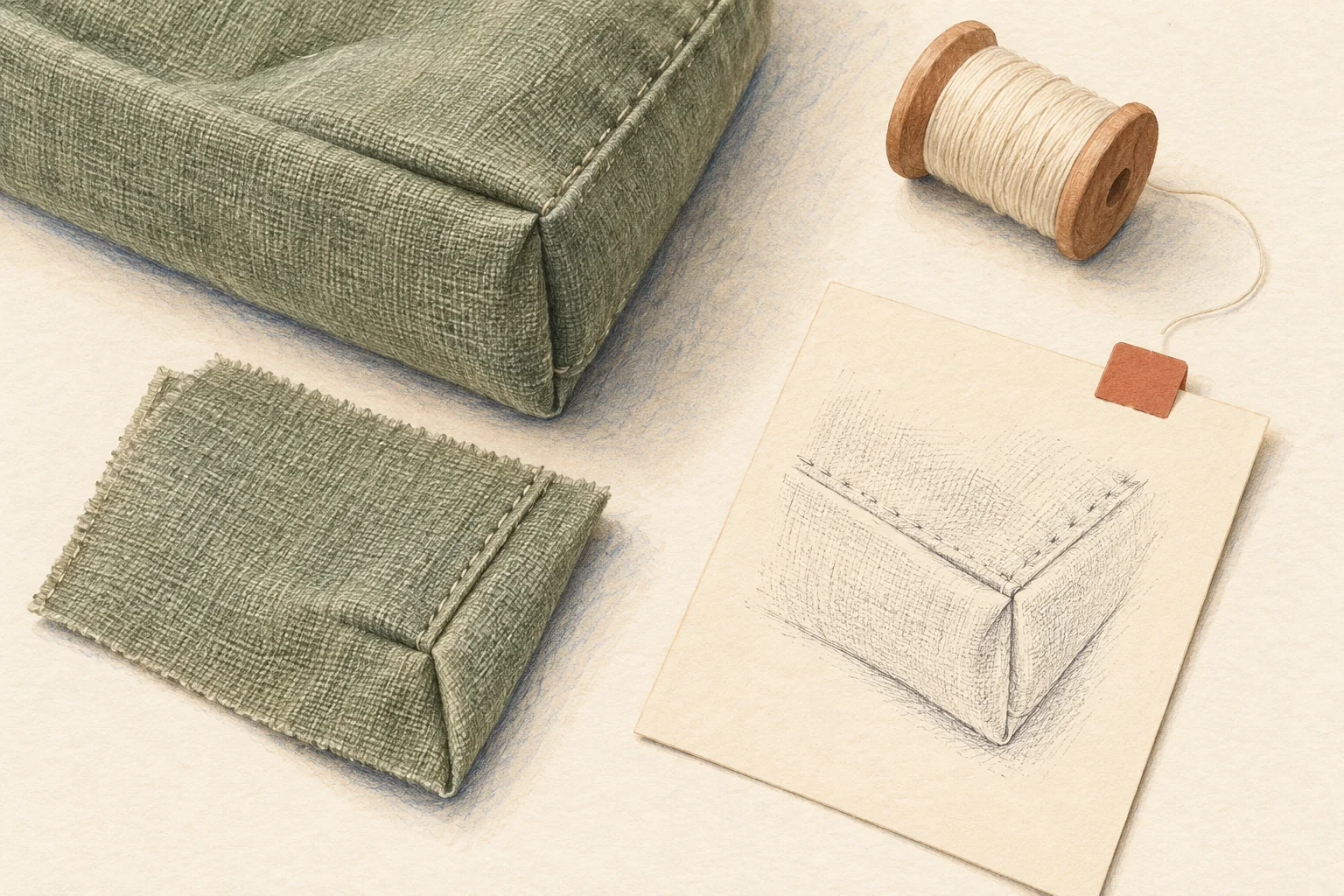
AI-generated illustration for consulting a detail reference. It is not a dimensioned drawing or a cutting or sewing guide.
Collect by project; write for the next session
Create a linqlo Collection called “Small fabric tote” and save each URL. Choose “Detailed entry,” or edit the saved bookmarks, to add clear titles and Memo entries. If tags help, start with “Main instructions,” “Supplement,” and “Material check.”
This workflow uses links to the original resources. A saved URL is not a local working copy of a pattern or video. Check the provider's instructions for access, permitted use, and any printing guidance.
Before stopping, write something your future self can act on. “Carry on from here” leaves you to reconstruct what happened. At a hypothetical stopping point, a better note would be:
Finished today: read the main instructions all the way through and checked possible materials. Undecided: whether to change the handles. Next: choose the length for the way I want to use the bag, then review the main dimensions and material quantity. Nothing has been cut yet.
Separate completed work from decisions you have only made on paper. “Checked the materials” and “Have the materials ready” mean different things. A minute spent recording that distinction can make the next session much easier to start.
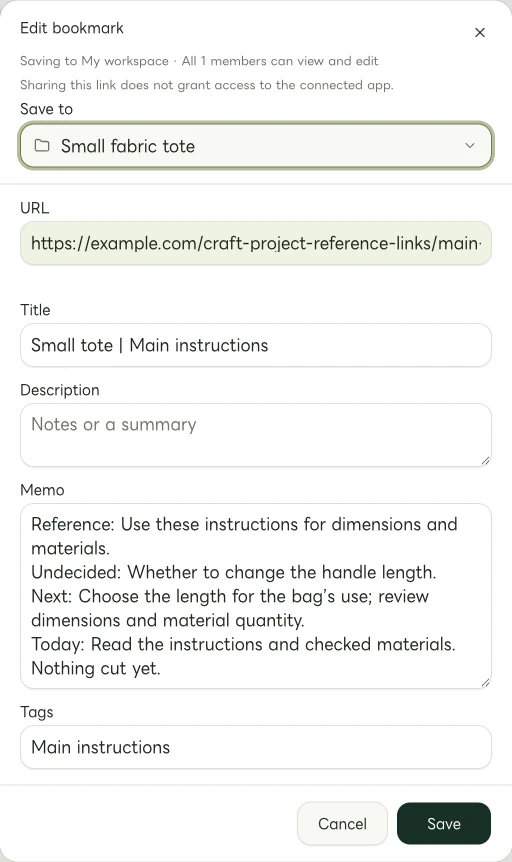
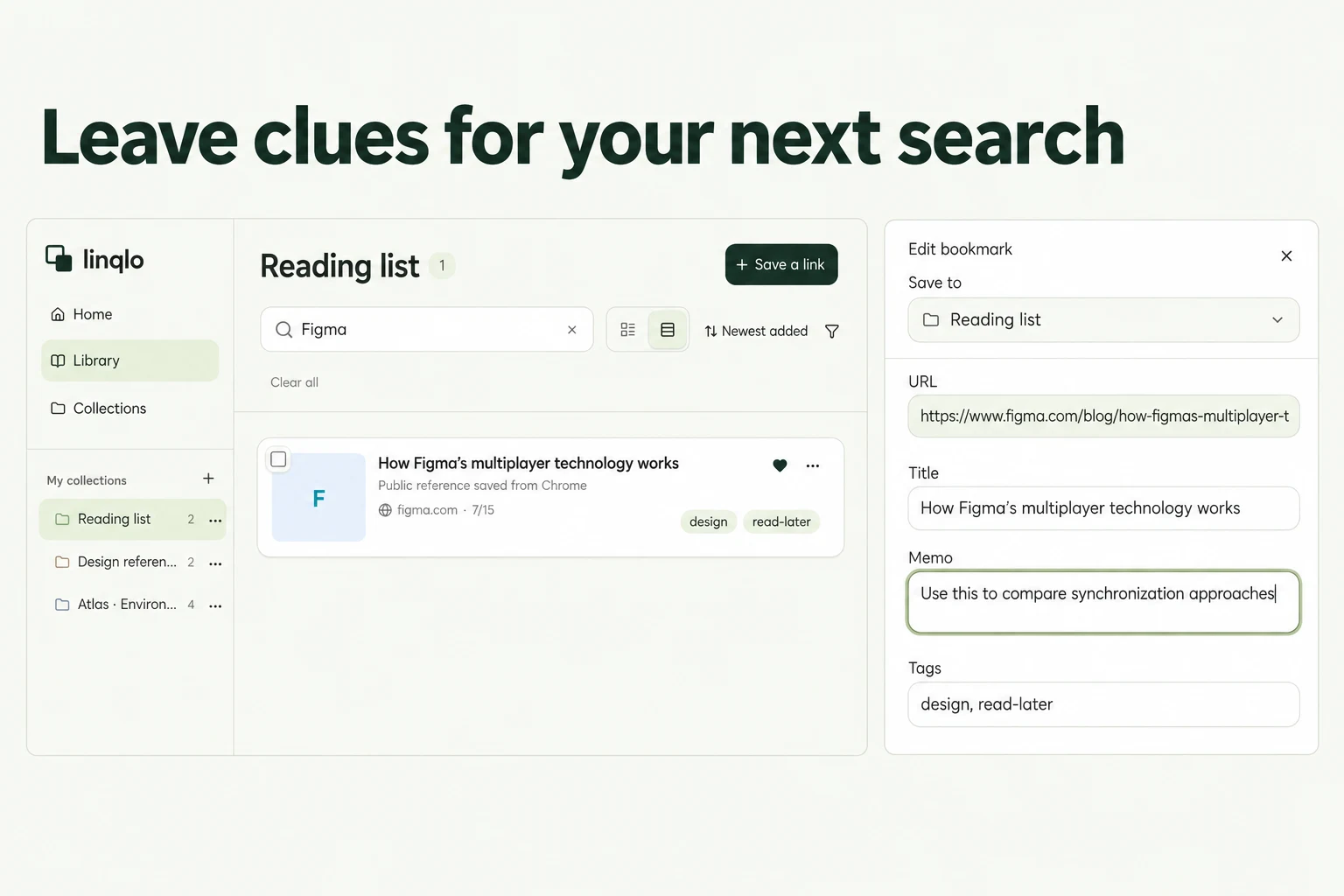
Actual Web edit dialog showing a fictional example.com link. The memo and tags are examples of manually entered information.
Keep the useful decisions after finishing
Once the project is complete, record the changes you actually made and what you noticed when using it. Write from your own experience, with a useful next decision such as “Reconsider the handle length for the next one.”
Keep the project name in the main bookmark's title so you can find it for a future version. References you did not use need not remain in the active project collection if they no longer serve a purpose.
Choose one main link for the project you are working on now. Add where you have got to and what you will do next. That gives the next session a starting point without another round of searching.
Related guides
Put the guide into practice.
Create a free account to get started. No credit card needed.
Start organizing for free